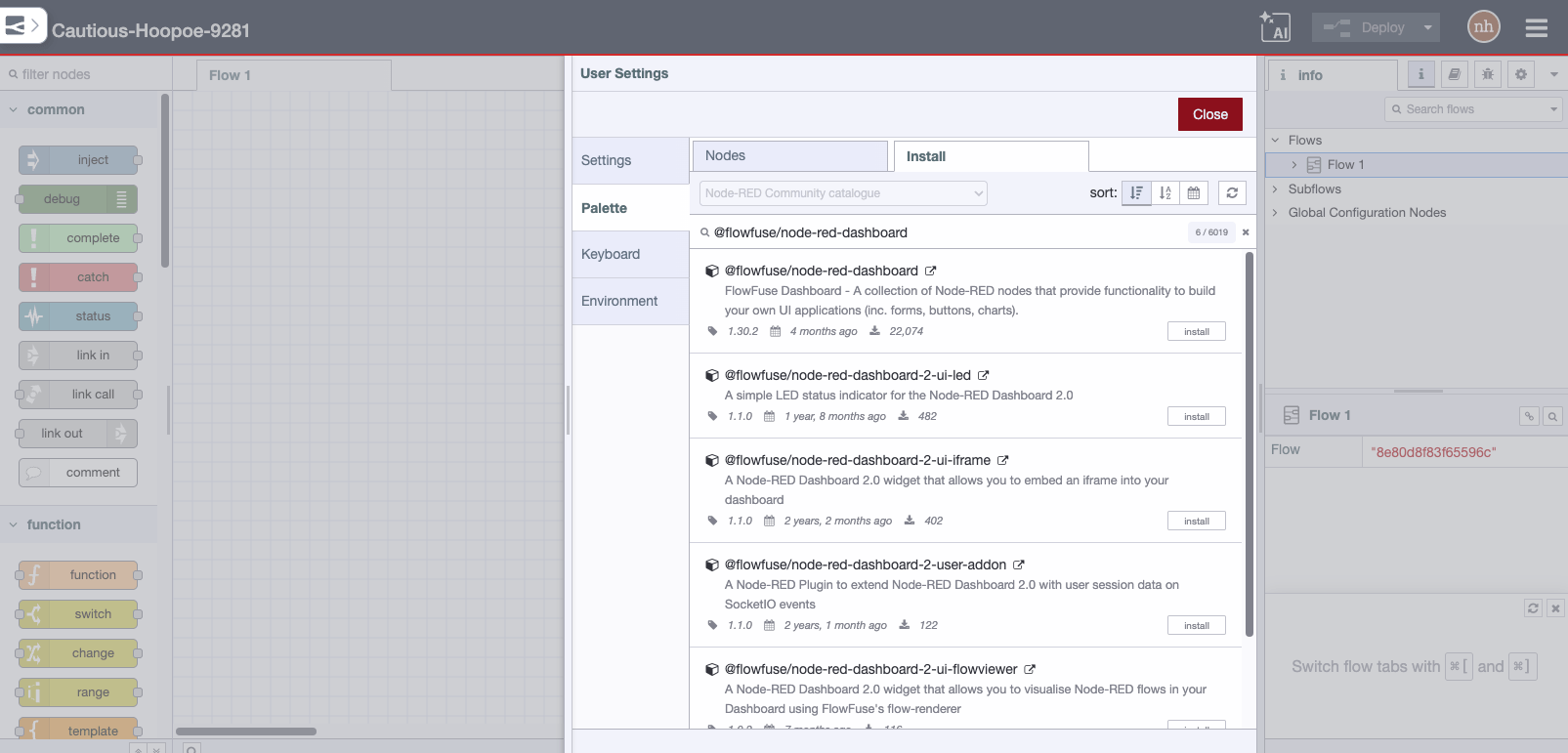
node-red-contrib-stackhero-mysql
A Node-RED node to connect to a MySQL or a MariaDB database, using TLS (SSL) and compatible with "Caching SHA2 password" authentication method (MySQL >= 8).
node-red-contrib-stackhero-mysql
Node-RED node to read and write to a MySQL or a MariaDB database.
It uses TLS (SSL) encryption and is compatible with "Caching SHA2 password" authentication method (MySQL >= 8).
Remember: if you like it, please star it! 🥰
Official repository: https://github.com/stackhero-io/node-red-contrib-stackhero-mysql
Sponsors
node-red-contrib-stackhero-mysql is developed by Stackhero.
If you are looking for powerful managed services, like Node-RED, MySQL or MariaDB, you should seriously consider Stackhero 🤓
Usage
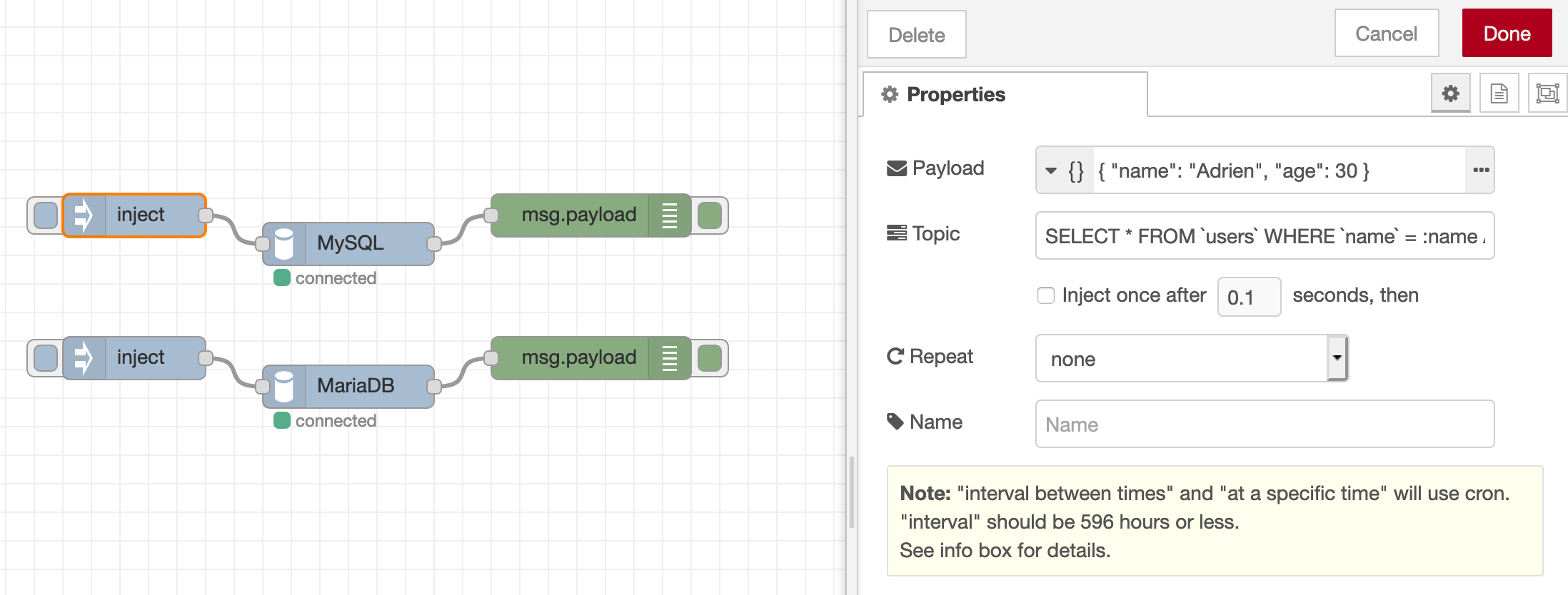
This node is really simple.
Put your query in the topic variable and, if you have arguments, put them in an array or an object in the payload variable.
You will get the result in the payload output variable.
Examples of queries:
Object-based insertion (SET with object)
msg.topic = 'INSERT INTO `users` SET ?';
msg.payload = [{ name: 'Adrien', age: 42 }];

return msg;
Named parameters
msg.topic = 'INSERT INTO `users` (`name`, `age`) VALUES (:name, :age)';
msg.payload = { name: 'Adrien', age: 42 };

return msg;
Positional parameters
msg.topic = 'INSERT INTO `users` (`name`, `age`) VALUES (?, ?)';
msg.payload = [ 'Adrien', 42 ];

return msg;
Bulk (multi-row) insertion
msg.topic = 'INSERT INTO `users` (`name`, `age`) VALUES ?';
msg.payload = [[
  [ 'Adrien', 42 ],
  [ 'Romain', 12 ]
]];

return msg;
Avoid SQL injections!!
Do not NEVER EVER put variables content in
topicdirectly! Always use thepayloadvariable to pass your arguments.
Troubleshooting
Error "Connections using insecure transport are prohibited while --require_secure_transport=ON"
You have to connect using TLS encryption. Simply check the box in this node configuration.
Error "ER_NOT_SUPPORTED_AUTH_MODE: Client does not support authentication protocol requested by server; consider upgrading MySQL client"
You are probably using another node than node-red-contrib-stackhero-mysql and tryin to connect to a MySQL >= 8 server using "Caching SHA2 password" authentication method.
To resolve that issue, simply use this node node-red-contrib-stackhero-mysql.