node-red-contrib-s7comm
A Node-RED node to communicate with Siemens S7 PLCs.
node-red-contrib-s7comm
A Node-RED node to communicate with Siemens S7 PLCs.
About
The Hilscher Node-RED node-red-contrib-s7comm node is designed to communicate with a SIMATIC S7-300/1200/1500 PLC of SIEMENS based on the RFC1006-communication protocol. The S7comm node can build up a connection with the SIMATIC-S7. Furthermore it can Read/Write Addresses of the PLC with specific S7-Datatype.
It is using the Open-Source Library nodeS7 as its Framework which is able to handle the communication with the PLC. Special thanks to plcpeople for creating nodes7.
Install
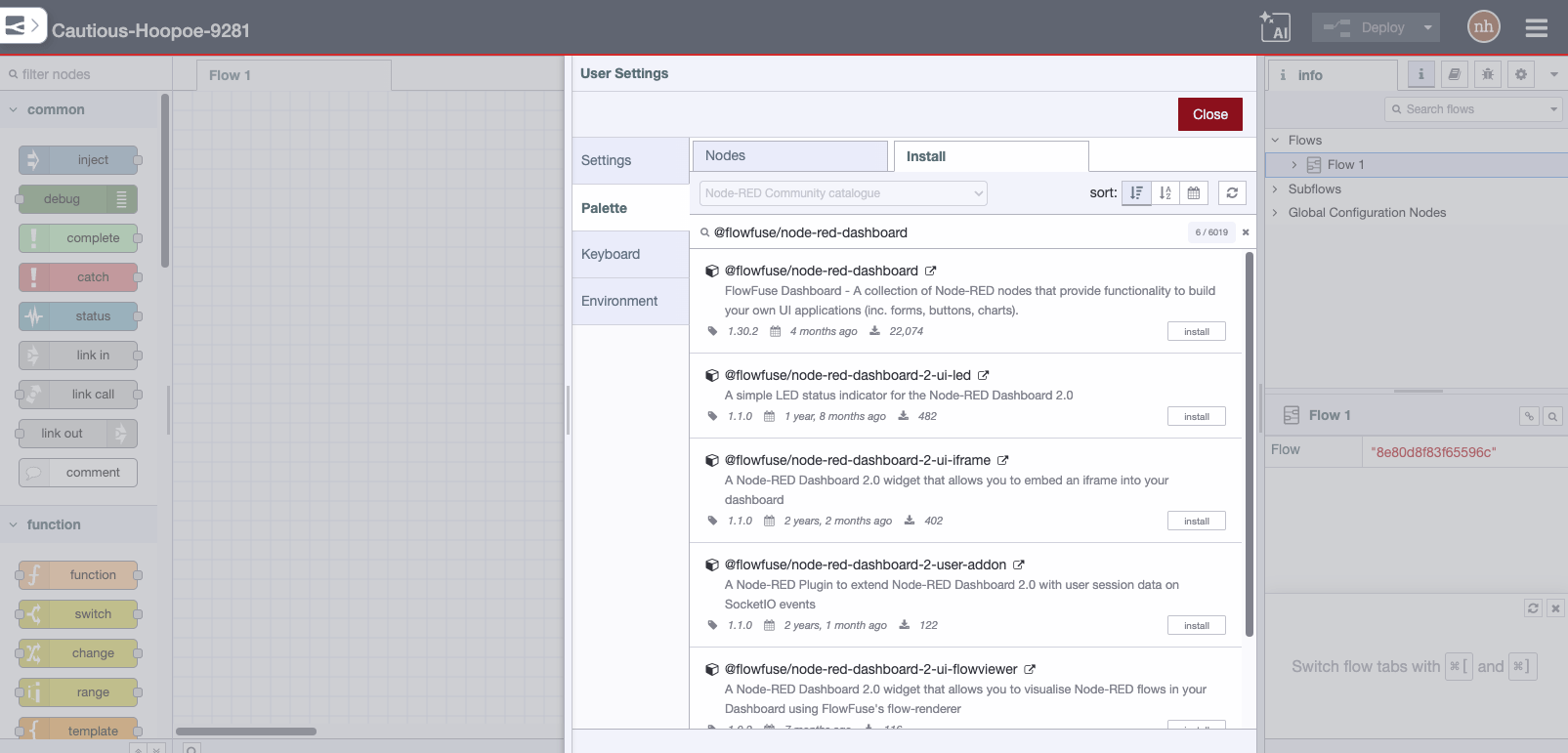
Install the node directly from the management palette of Node-RED.
or run the following command in your Node-RED user directory (typically: %HOMEPATH%.nodered for Windows or ~/.node-red for Linux ):
npm install node-red-contrib-s7comm
or clone the repository within a specific folder in the Node-RED user directory and run the package.json:
    git clone https://github.com/Hilscher/node-red-contrib-s7comm

    cd node-red-contrib-s7comm

    npm install
Getting Started
See USAGE.md for more details.
Contributing
Patches/Pull-requests are always welcome. For simple typos and single line fixes please just raise an issue pointing out our mistakes. Clearly describe the issue including steps to reproduce when it is a bug.
For further help, or general discussion, please use the Node-RED mail group on GoogleGroups.
Copyright and license
Copyright 2017, Hilscher Gesellschaft für Systemautomation mbH, under the MIT license.