Why Downtime Spreadsheets Fail and How to Automate Detection and Escalation
Detect machine stops instantly, escalate automatically, and capture accurate downtime data.

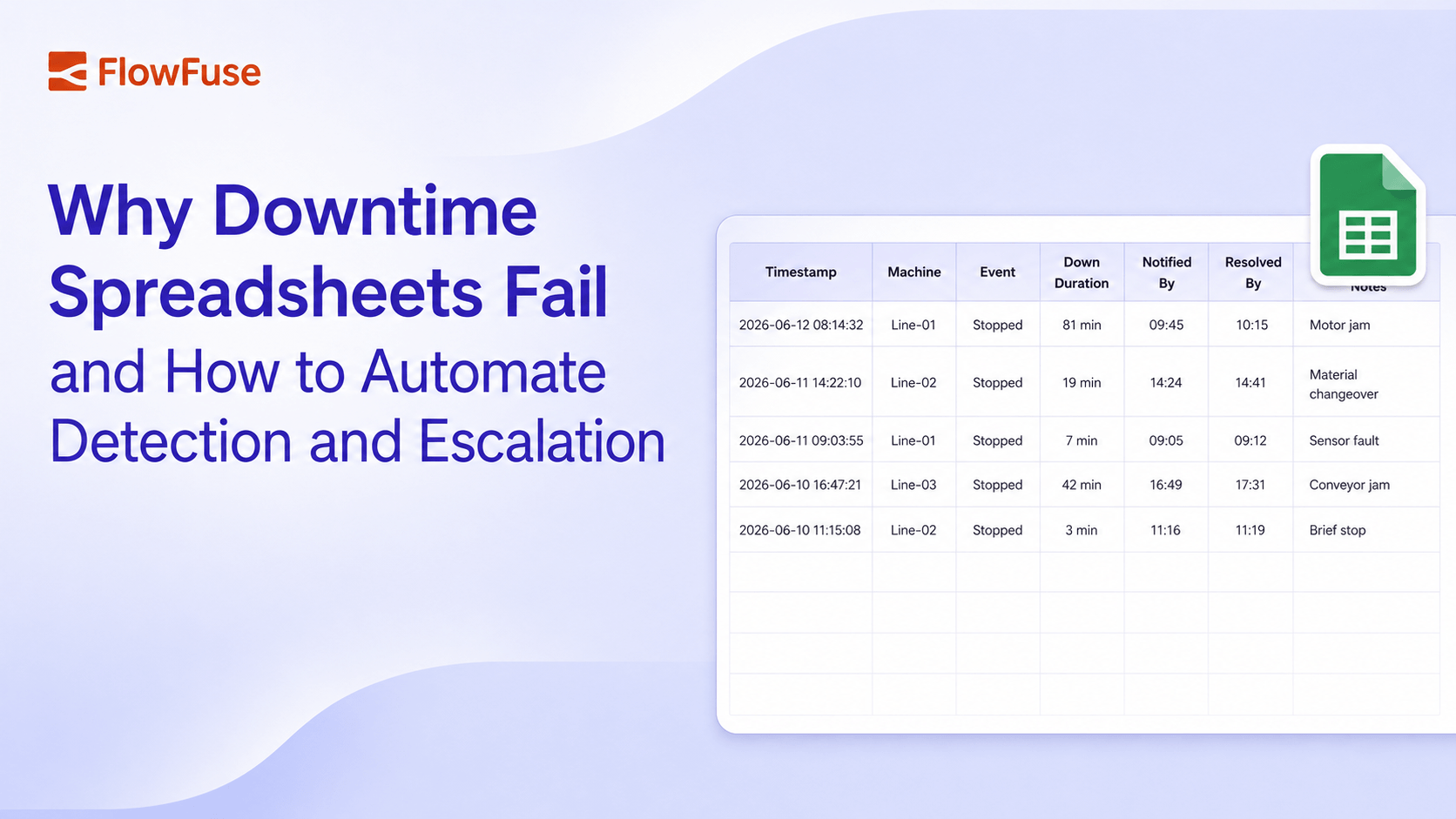
Downtime spreadsheets are filled in after the fact, which means the data is always late and often inaccurate. This post shows how to build an event-driven escalation workflow in FlowFuse that detects machine stops the instant they happen, escalates automatically based on how long they last, and writes accurate, timestamped records without anyone touching a spreadsheet.
In most factories, downtime still lives in a spreadsheet. Someone writes down when a machine stopped, when it got noticed, and when it ran again. It looks like control. The longer I look at how plants actually run, the more I read it as something else: a record of how late everyone found out.
The problem is the person in the middle. A machine stops, someone has to notice, then open the file and type the row. Each step adds delay, and downtime doesn't wait for the paperwork. By the time the row is written, the loss is already counted.
But here's the part I keep coming back to: the machine already knows it stopped. We don't need a person to notice and write it down; we need the event itself to raise its hand. That's what an event-driven workflow does, and this post shows how to build one in FlowFuse that handles all three jobs on its own: detecting a stop the instant it happens, escalating alerts based on how long it lasts, and writing accurate, timestamped records without anyone touching a spreadsheet. (If event-driven architecture is new to you, read this article first.)
How It Works: Detect, Escalate, Record
The process begins the instant a machine stops, not when a person notices. A sensor or PLC detects the halt and generates an event, timestamped to the second. That event is passed to a rules layer, which holds the core logic of the system, evaluating the duration of the stoppage against predefined thresholds to decide what happens next.
If the stoppage is brief, under two minutes, say, it's logged as a routine changeover and nothing further happens. Cross that threshold, and the event escalates to the line supervisor. Still unresolved after the next interval, and maintenance gets the same alert. Past that point, it climbs further up the management chain. Each escalation fires automatically, based purely on whether the previous step was closed out in time, with every handoff timestamped as it happens. No one has to remember to log anything.
Here's what that looks like built in FlowFuse:
- Catch the stop signal: Most PLCs expose machine state through OPC UA or Modbus, and FlowFuse has nodes for both. Point one at the right tag, and the moment the state flips to stopped, it lands in your flow as a timestamped message.
- Track how long it's been down: A couple of timer nodes mark the passage of time: past two minutes, past ten, whatever windows fit your line.
- Branch by severity: A switch node routes the message: short stops go straight to a database; longer ones also notify the supervisor over email or Telegram; and if it's still unresolved at the next threshold, maintenance gets the same message, escalating further up if needed.
- Close the record: When the "running" message comes through, a final node writes the resolution time back into that record: start, every escalation, and end, all filled in by the flow itself.
Set this up once per line in FlowFuse, and it keeps running on its own. The spreadsheet still exists, but now it's the output, not the task.
What You Recover Once It's Running
The stakes here aren't abstract. Unplanned downtime typically runs 500,000 per hour for large operations, and Siemens' research found that while the number of downtime incidents per month has fallen in recent years, average restart time has nearly doubled, from 49 minutes to 81 minutes. That's the gap this workflow targets: not how often machines stop, but how long it takes for the right person to find out and act.
A manual log can't see that gap at all. If a stop lasts 81 minutes, the spreadsheet just shows "down for 81 minutes," with no way to tell whether 5 of those minutes were detection, 30 were waiting for someone to notice and write it down, and 46 were the actual repair. With event-driven timestamps, each becomes its own measurable interval: stop detected at 9:14:32, supervisor notified at 9:16:32, maintenance escalated at 9:24:32, resolved at 9:31:08. Three different problems with three different owners and three different fixes, instead of one number you can't act on. And since downtime is one of the core inputs to your OEE calculation, inaccurate downtime data doesn't just stay in this spreadsheet; it quietly distorts the availability number your whole plant uses to judge performance.
That gap has a direct dollar value, and it's worth being precise about which part. Faster escalation doesn't make the repair shorter, a seized motor takes just as long to fix whether the supervisor hears about it in one minute or thirty. What it shrinks is the waiting: the detection and notification minutes that happen before anyone starts working. For a mid-sized plant at 415. If automatic escalation removes 10 minutes of pure waiting from a stoppage, that's about 40,000 a month. The exact figure depends on how much of your downtime is waiting versus repair, which is the point: until you measure the two separately, you're guessing.
I want to be precise here: this isn't a fix for unreliable equipment. Machines will still break, and the repair still takes as long as it takes. What it fixes is the waiting, the minutes between a stop and someone acting on it, which a spreadsheet can never shrink because it only gets written after those minutes are already gone.
Set up once per line, the workflow catches every stop the instant it happens, escalates on a fixed schedule from supervisor to maintenance to up the chain with no manual steps, splits a vague "down for 81 minutes" into separate detection, waiting, and repair intervals you can act on, and recovers the waiting minutes that for most plants add up to real money per incident. The spreadsheet still exists. Now it's the output, not the task, accurate, self-maintaining, and running on every shift without anyone having to remember a thing.
Need help setting up an event-driven escalation workflow?
We can help you connect your PLCs, design escalation thresholds, and get a flow like this running on your lines
Frequently Asked Questions
About the Author
Sumit Shinde
Technical Writer
Sumit Shinde is a Technical Writer at FlowFuse specializing in industrial automation and manufacturing. In the past three years, he has built industrial applications and authored more than 100 technical articles covering industrial connectivity, unified data architecture, production metrics, and quality management for modern manufacturing.
Like what you're reading?
Add FlowFuse as a preferred sourceOn the page that opens, check the box next to flowfuse.com to see more of our articles in your Google Search results.
Related Articles:
- Buyer's Guide: How to Evaluate an Edge AI Platform for Industrial Use
- CQI-9 Heat Treat Audit: A Drifting Thermocouple Can Fail the Whole Furnace
- PPAP Checklist: Free Template and How to Review a Submission
- Manufacturing Defects: One Weld Crack, Four Ways to Classify It
- Automotive Quality Control 101: Lessons From a 470,000-Vehicle Recall