Handling Clock Drift in Distributed Edge Devices
Prevent clock drift in distributed edge deployments.

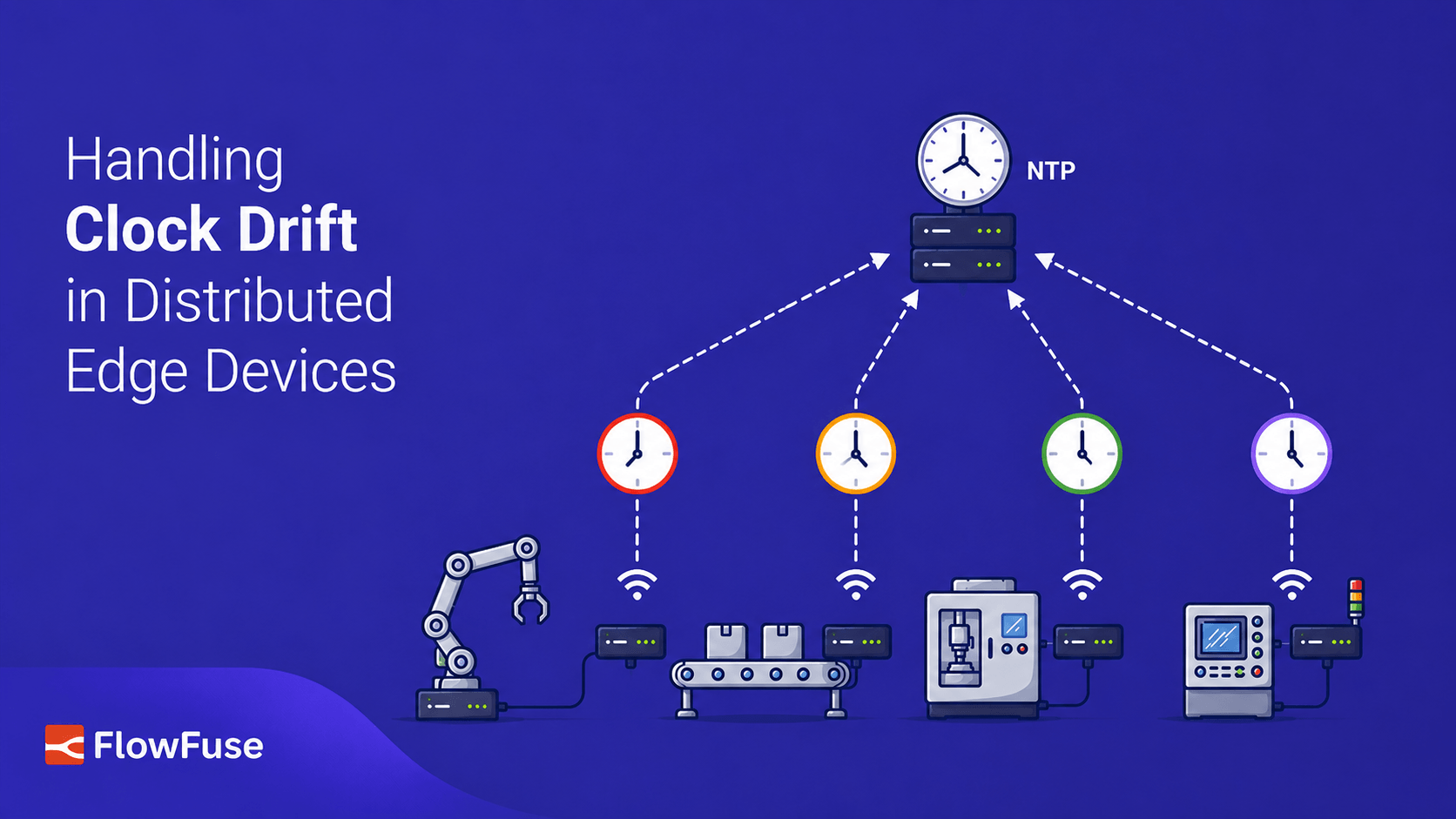
Clock drift is a common problem in distributed edge deployments and can lead to unreliable timestamps, out-of-order events, and inaccurate production data. This guide explains why clocks drift, how to keep devices synchronized using NTP or local time servers, when to use RTCs, and how to monitor clock drift in FlowFuse before it impacts your operations.
Industrial systems rely on accurate timestamps to understand what happened, when it happened, and how events across different systems relate to each other.
Edge devices, gateways, servers, and data collection systems maintain their own clocks, and those clocks drift over time. When these systems collect and process industrial data, inaccurate timestamps can lead to out-of-order events, unreliable historical records, and incorrect analysis.
In this article, we'll look at why clock drift happens, how to keep distributed industrial systems synchronized, and how to monitor clock health using FlowFuse.
Why edge clocks drift
Every computer keeps time using a crystal oscillator. These crystals are accurate but not perfect: some run slightly fast, others slightly slow, and their accuracy changes with temperature and age. Two systems that start with the same time gradually drift apart.
That's the slow cause. In production, there are usually bigger reasons clocks become inaccurate.
No real-time clock
Most servers and desktops include a battery-backed Real-Time Clock (RTC) that keeps time while the machine is powered off. Many low-cost edge devices don't.
The Raspberry Pi is the best-known example. After being powered off, it has no reliable way to remember the current time, so it must wait until it can reach a time server. Without network access, it may boot thinking it's days, months, or even years in the past.
The operating system doesn't know the time is wrong. Applications running on that system, such as data collectors, gateways, and logging services, will continue creating timestamps based on whatever time the operating system reports.
No access to a time server
Most systems periodically synchronize with a time server to correct clock drift, but that isn't always possible in industrial environments. Many OT networks intentionally block internet access, and some are completely air-gapped.
If an edge device, gateway, or data collection system can't reach a trusted time source, it keeps relying on its own clock, drifting a little further each day. A few milliseconds won't matter. A few weeks or months usually will.
Backup power doesn't last forever
Some industrial gateways include an RTC but use a supercapacitor instead of a battery to keep it running during power outages. That works well for short outages, but leave the device unpowered for several days or weeks and the capacitor eventually discharges, resetting the clock.
Some industrial Linux systems then fall back to the operating system build date or another fixed timestamp. That's why you'll occasionally find multiple systems reporting exactly the same incorrect date from years ago.
If several systems suddenly report the same incorrect date, it's usually a sign that the backup clock source has been lost.
Leave a fleet running long enough and the clocks won't agree anymore. Most systems will only be slightly off, while a few can end up completely wrong.
What drift does to your data
Clock drift rarely causes obvious failures. Systems stay online, messages keep arriving, and dashboards still update. The timestamps just quietly become unreliable, and by the time anyone notices, the root cause can be difficult to trace.
The problem appears when data from multiple systems needs to be compared. SCADA platforms, HMIs, historians, and data collection systems rely on timestamps to understand event order, calculate production metrics, and investigate failures.
Events start appearing in the wrong order. If one system reports a motor stop, another an emergency stop, and a third a conveyor jam, but their clocks disagree, the sequence you see may not match what actually happened.
Data can also land in the wrong time bucket. A reading stamped a few seconds late can fall into the wrong aggregation window and quietly skew averages, production counts, and OEE calculations. The timestamp is not invalid, just inaccurate.
Cross-machine correlation suffers too. Comparing robot cycles with conveyor speed, or analyzing a production line failure across multiple systems, only works when those systems share a consistent timeline.
The impact is not usually that machines stop working. The problem is that the historical data used for analysis, troubleshooting, and reporting becomes harder to trust.
Step one: keep system clocks synchronized
The best place to solve clock drift is at the systems that generate and store timestamps. For edge gateways, servers, and data collection systems, this usually means keeping the operating system clock synchronized. When these systems have an inaccurate clock, applications such as data collectors, SCADA connectors, historians, and logging services can create unreliable timestamps.
Before changing anything, check what's actually running on your systems. Industrial deployments are rarely uniform, since different hardware vendors, OS images, and software versions often ship with different defaults, so it's worth confirming rather than assuming:
which chronyc    # chrony present?
which ntpq       # classic ntpd present?
timedatectl show-timesync --all   # systemd-timesyncd, on many minimal images
Whichever client is present, the underlying goal is the same: keep it pointed at a reliable source and give it a way to maintain accurate time across reboots and network outages.
Choose an NTP client deliberately
On many modern Linux distributions, chrony is the default and has largely replaced the older ntpd service. It tends to suit edge environments well: it synchronizes quickly after boot, keeps tracking clock drift while offline, and recovers cleanly when the network becomes available again.
But it isn't universal, since some minimal or vendor-specific images ship with ntpd, systemd-timesyncd, or nothing at all. Check first, and install or switch only if it makes sense for your deployment.
If you do use chrony, a basic configuration is enough for most deployments:
# /etc/chrony/chrony.conf

pool pool.ntp.org iburst
driftfile /var/lib/chrony/drift
makestep 1.0 3
rtcsync
Use multiple time sources
Avoid relying on a single time server. If that server has the wrong time or becomes unavailable, every system depending on it inherits the problem.
Using several independent time sources lets the NTP client compare responses, ignore outliers, and maintain a more reliable clock.
Air-gapped networks still need time synchronization
No internet does not mean industrial systems have to operate with independent clocks.
A common approach is to run a local time server inside the OT network and point edge gateways, servers, and data collection systems to it. The protocol does not change. Only the time source does.
For example:
server 10.0.5.10 iburst
Even if that local server is not synchronized with the internet, every system in the plant can maintain a consistent timeline. For many industrial applications, consistency between systems is more important than perfect UTC accuracy.
If accurate wall-clock time is required, the local server can be synchronized using GPS or another external reference.
Add a real-time clock where possible
If your hardware does not include an RTC, consider adding one. For devices like the Raspberry Pi, an inexpensive battery-backed RTC module lets the system boot with the correct time even before the network is available.
This is especially useful for systems that power on, perform a task, and shut down again before NTP has a chance to synchronize.
Keeping the operating system synchronized solves most clock drift issues. The next step is making sure your applications preserve the correct timestamps and alert you when a system starts drifting.
Monitoring drift from FlowFuse
If FlowFuse is already running on your edge devices, it is a convenient place to monitor whether the system clock used by data collection flow remains accurate.
This check applies to the edge computer running FlowFuse or the data collection node, not the PLC itself. The goal is to detect when timestamps generated by the industrial data collection layer may no longer be reliable.
The flow below works with chrony; if a device runs ntpd instead, swap the command in step 2 for ntpq -p and adjust the parsing in step 3 to match its output format.
- Add an inject node to the canvas, name it "Check clock every 5 min", and set it to repeat on an interval of 5 minutes. Clock drift is a trend, not a single reading, so a one-off check will not show whether the offset is increasing.
- Add an exec node after it, name it "Get chrony offset", and set the command to:
chronyc tracking
This pulls the actual offset from the operating system clock synchronization service rather than estimating it from application timestamps.
- Add a function node after the exec node, name it "Parse offset", and set it to:
const lines = msg.payload.split('\n');
const data = {};

lines.forEach(line => {
    const [key, ...rest] = line.split(':');
    if (key && rest.length) {
        data[key.trim()] = rest.join(':').trim();
    }
});

const parseOffset = (v) => v ? parseFloat(v) * 1000 : null; // to ms

msg.payload = {
    stratum: parseInt(data['Stratum']),
    lastOffsetMs: parseOffset(data['Last offset']),
    rmsOffsetMs: parseOffset(data['RMS offset']),
    leapStatus: data['Leap status'],
    timestamp: new Date().toISOString()
};

return msg;
stratum tells you how many hops this system is from a reference clock. A rising value can indicate that it has fallen back to a less reliable time source.
leapStatus should normally read Normal. Any other value should be treated as a synchronization problem rather than simply a small clock offset.
- Add a switch node after the function node, name it "Over threshold?", checking
payload.lastOffsetMs. Set the threshold based on how the timestamps are used:
| Use case | Alert threshold |
|---|---|
| Historian logging, dashboards, OEE, production reporting | 500ms–1s |
| Cross-system event correlation and alarm ordering | ~50–100ms |
| Applications requiring sub-millisecond precision | Use PTP instead of NTP |
- Wire the failing branch to a function node, name it "Build alert", and create a message containing the affected system, clock offset, and stratum information.
- Send the alert to your existing notification system, such as MQTT, email, or another monitoring platform.
After deployment, trigger the inject node manually once. You should see the parsed clock status in the debug sidebar.
How accurate does your clock need to be?
Not every industrial application needs microsecond precision. For most use cases, such as historian logging, dashboards, OEE calculations, condition monitoring, and production reporting, NTP provides more than enough accuracy.
With a stable network, a well-configured NTP client can typically keep systems synchronized within a few milliseconds. That is already more accurate than many industrial applications that aggregate data into one-second or one-minute intervals require.
PTP (Precision Time Protocol) is a different story. It is designed for applications where events must be synchronized with sub-millisecond or even microsecond precision.
Examples include:
- motion control
- synchronized robotics
- high-speed sequence-of-events recording
- applications where timing is part of the control or measurement requirement
PTP requires compatible hardware and network infrastructure, making it more complex to deploy than NTP.
If your application does not have strict timing requirements, NTP is usually the simpler and more practical choice.
Wrapping up
Clock drift is one of those problems that is easy to ignore until it starts affecting production data.
Machines continue running, dashboards continue updating, and messages still arrive, but inaccurate timestamps make troubleshooting, event correlation, and reporting increasingly difficult.
The challenge is not usually PLC control logic itself. PLCs typically operate using scan cycles, timers, and internal execution timing. The one exception is when the data changing on the PLC is faster than the protocol used to read it. In that case, the PLC has to buffer those fast-changing values in an array so nothing is lost between polls. That's a program design and memory concern, not a clock synchronization one; the PLC still isn't timestamping anything itself. The impact of clock drift appears when data from multiple systems needs to be collected, compared, and analyzed.
SCADA systems, historians, HMIs, edge gateways, and industrial data platforms depend on accurate timestamps to understand production events and maintain reliable historical records.
Preventing clock drift does not require complex infrastructure. A reliable NTP client, multiple or local time sources, and hardware with a real-time clock where appropriate can eliminate most clock synchronization issues.
Just as importantly, monitor system clock health so problems are detected before they affect operational data.
Clock drift monitoring is really just one small thing you can do with FlowFuse. At its core, it's a platform for collecting data from your PLCs and sensors, building applications and dashboards on top of that data, and deploying and managing all of it across your fleet from one place.
Monitor and Manage Edge Devices with FlowFuse
Deploy Industrial applications, monitor edge devices, detect clock drift, and manage industrial deployments from a single platform. See how FlowFuse simplifies managing distributed edge infrastructure.
Frequently Asked Questions
About the Author
Sumit Shinde
Technical Writer
Sumit Shinde is a Technical Writer at FlowFuse specializing in industrial automation and manufacturing. In the past three years, he has built industrial applications and authored more than 100 technical articles covering industrial connectivity, unified data architecture, production metrics, and quality management for modern manufacturing.
Like what you're reading?
Add FlowFuse as a preferred sourceOn the page that opens, check the box next to flowfuse.com to see more of our articles in your Google Search results.
Related Articles:
- A Control Plan Template Your Shop Floor Will Actually Use
- End of Line Testing: Your Final Defense Against Defects
- Quality Assurance vs Quality Control: Fixing the Process or Checking the Product
- Buyer's Guide: How to Evaluate an Edge AI Platform for Industrial Use
- CQI-9 Heat Treat Audit: A Drifting Thermocouple Can Fail the Whole Furnace