FlowFuse Expert documents your flows
Recently, we introduced "Flows Explainer" to the FlowFuse Expert. It provides a concise description of the selected flows. This turned out so well we thought "wouldn't it be good if the generated explanation could be persisted as built in documentation" so we added a single click option to add the documentation as a comment node to your flows. We also provided a Copy to Clipboard button so you can grab it and add it to the Documentation section of a flow tab, node group or external documentation.
Let's see it in action
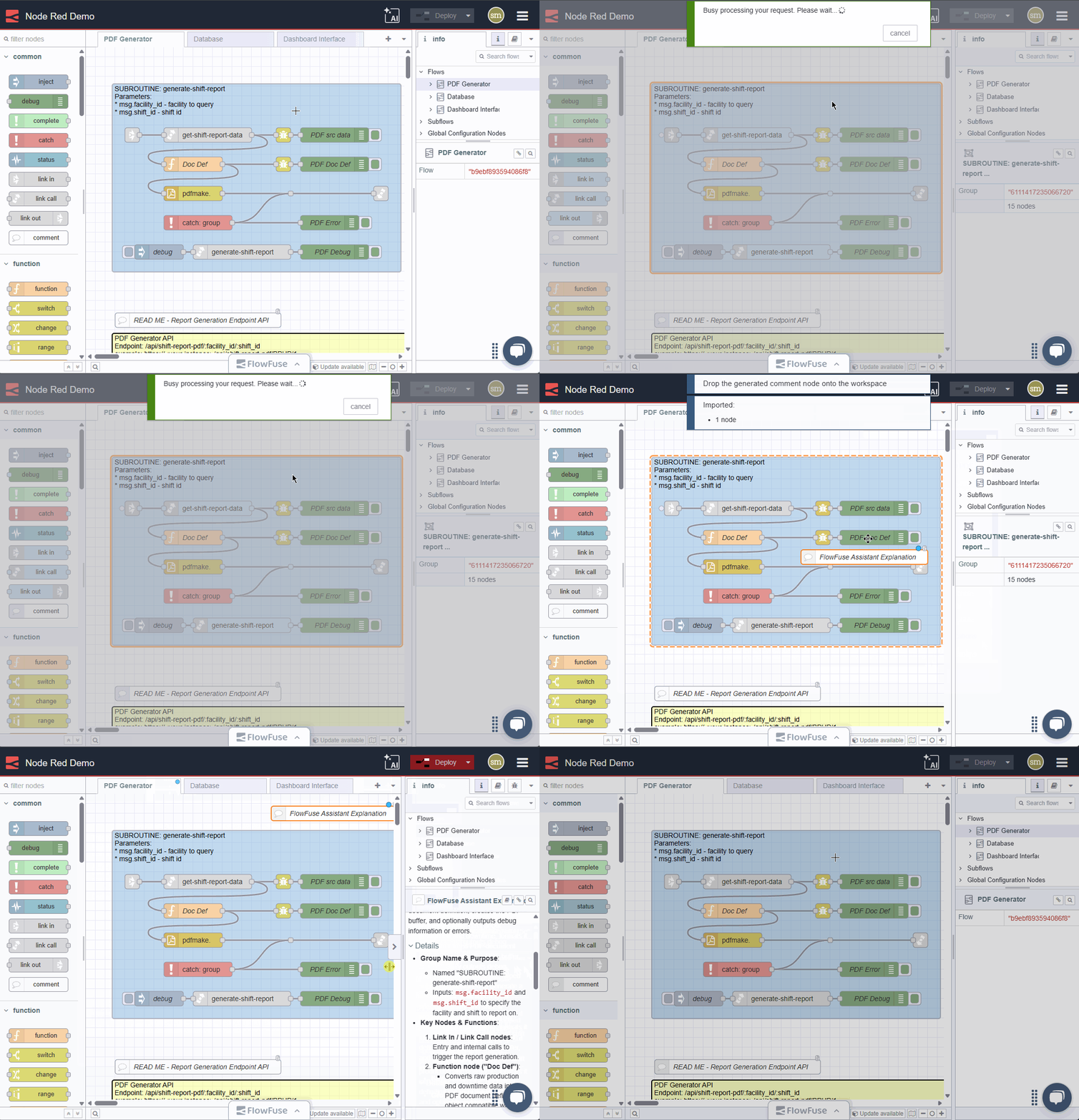 Demo of documenting flows with the Flows Explainer
While this feature is just a simple quality of life addition, we are hopeful it is small touches like these that improve your daily workflow.
Written By:
Senior Software Developer
Published on:
Recent Updates:
- Introducing Remote Agent Plugin
- AI Improvements in FlowFuse
- Vue and Vuetify Editing for Templates
- Expert on Your Team Overview
- Tool Permissions for MCP Agents