FlowFuse 2.28: Troubleshoot Faster, Manage Edge Devices Centrally, and More Self-Hosted Flexibility
Point FlowFuse Expert at your debug logs, configure Node.js runtime options for edge devices, and gain more control over self-hosted deployments.
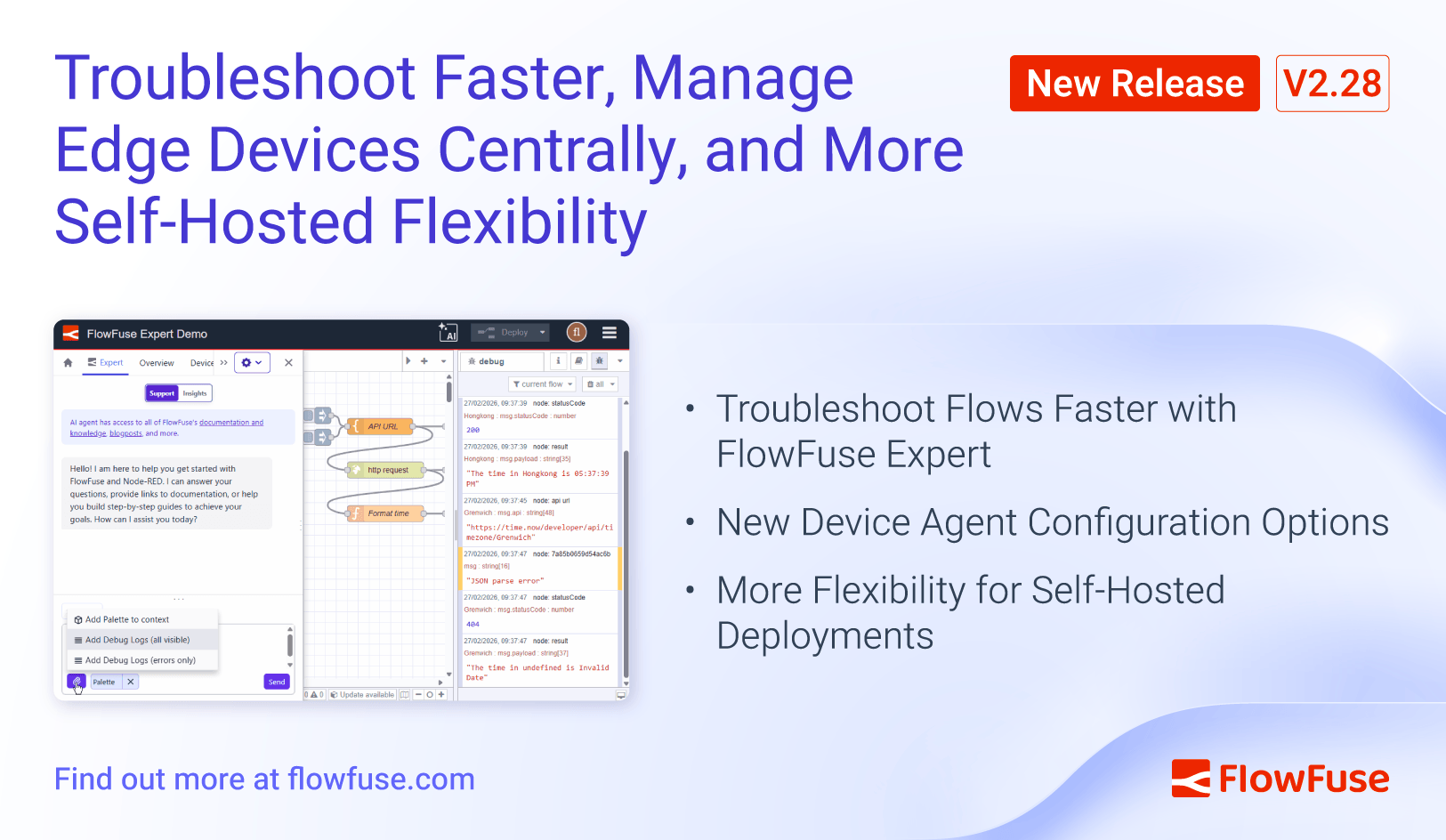
FlowFuse 2.28 focuses on making your day-to-day work faster and giving you more control, whether you are debugging a flow, managing edge devices, or running FlowFuse on your own infrastructure.
Troubleshoot Flows Faster with FlowFuse Expert
Tracking down issues in your flows usually means adding debug nodes, reading through log output, and then trying to describe the problem to get help. That back-and-forth slows you down.
Point Expert at Your Debug Logs
You can now select individual debug log entries and include them as context when asking FlowFuse Expert for help. Combined with your selected flows, Expert sees exactly what you see, the error, the flow that produced it, and the surrounding context.
- Select individual log entries to focus Expert on the specific issue rather than everything in your log
- Quick-add from the Resource Selector to pull in logs alongside your flows in one step
- Get targeted answers because Expert reasons about your actual errors, not a description of them
Always Have the Latest Expert Capabilities
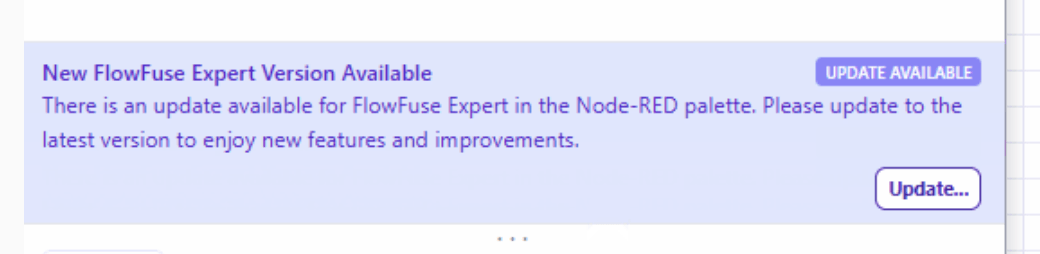
FlowFuse Expert is getting new capabilities regularly, like the debug log context above. But when you are deep in your flows, it is easy to miss that an update is available. Expert now shows a banner when a newer version is ready. One click and you are up to date, so you always have access to the latest troubleshooting and development features.
New Device Agent Configuration Options
FlowFuse 2.28 combined with Device Agent v3.8.1 expands what you can configure on your edge devices, giving you more control over how Node-RED runs on Remote Instances.
Configure Node.js Runtime Options
The latest Device Agent lets you set Node.js command line arguments for Remote Instances, via your device.yml or the agent command line. Previously these options were not configurable at all. The full set of NodeJS (command line arguments)https://nodejs.org/docs/latest-v22.x/api/cli.html can be set. For example
- Increase memory for flows that process large datasets (
--max-old-space-size)
Set API Payload Limits from the UI
If your Remote Instances handle large file uploads, you may have hit the default API payload size limit. You can now configure the maximum API payload length directly in FlowFuse under Remote Instance → Settings → Editor.
More Flexibility for Self-Hosted Deployments
Migrate from Ingress Nginx to Traefik
With the retirement of Ingress Nginx, many self-hosted Kubernetes users need to move to a supported ingress controller. To help with this transition, we have prepared a blueprint for migrating from Ingress Nginx to Traefik. The Helm chart now includes the required job resources and RBAC for the migration tool, and we have published a step-by-step ingress controller migration guide to walk you through the process.
As part of this work, you can now also set a separate ingress class name for Hosted Instances using forge.projectIngressClassName, allowing you to run project traffic through a different ingress controller than the platform itself.
Additional self-hosted improvements
- Team NPM Registry, Docker Compose deployments can now have all the Team Library, Custom Nodes pre-requisits configured.
- File-server PVC configuration: Set the size, access modes, and storage class for file-server persistent volumes
- Private CA certificate mounting, Docker Compose deployments can now mount a private CA certificate file into the forge service
What else is new?
- Instances can now automatically receive scheduled maintenance, so they stay up to date without manual configuration.
- Updated FlowFuse Expert documentation with dedicated guides for the Chat Interface and AI-assisted features in Node-RED
For detailed breakdowns of each feature with additional visuals, visit our changelog. For the complete list of everything included in FlowFuse 2.28, check out the release notes.
If something in this release improves your workflow, or if there is still friction we can remove, please share feedback or report issues regarding this release to us.
Try FlowFuse
FlowFuse Cloud
The fastest way to get started is with FlowFuse Cloud. [Get started for free]({% include "sign-up-url.njk" %}) and have your Node-RED instances running in minutes.
Self-Hosted
Run FlowFuse locally using Docker or Kubernetes.
Discuss your use case with our team
See how FlowFuse can support your architecture, integrations, and deployment needs.
Like what you're reading?
Add FlowFuse as a preferred sourceOn the page that opens, check the box next to flowfuse.com to see more of our articles in your Google Search results.