FlowFuse 2.27: Integrated Editor in Remote Instances & Context-Aware FlowFuse Expert
A more consistent Node-RED experience across environments and deeper live context for FlowFuse Expert.
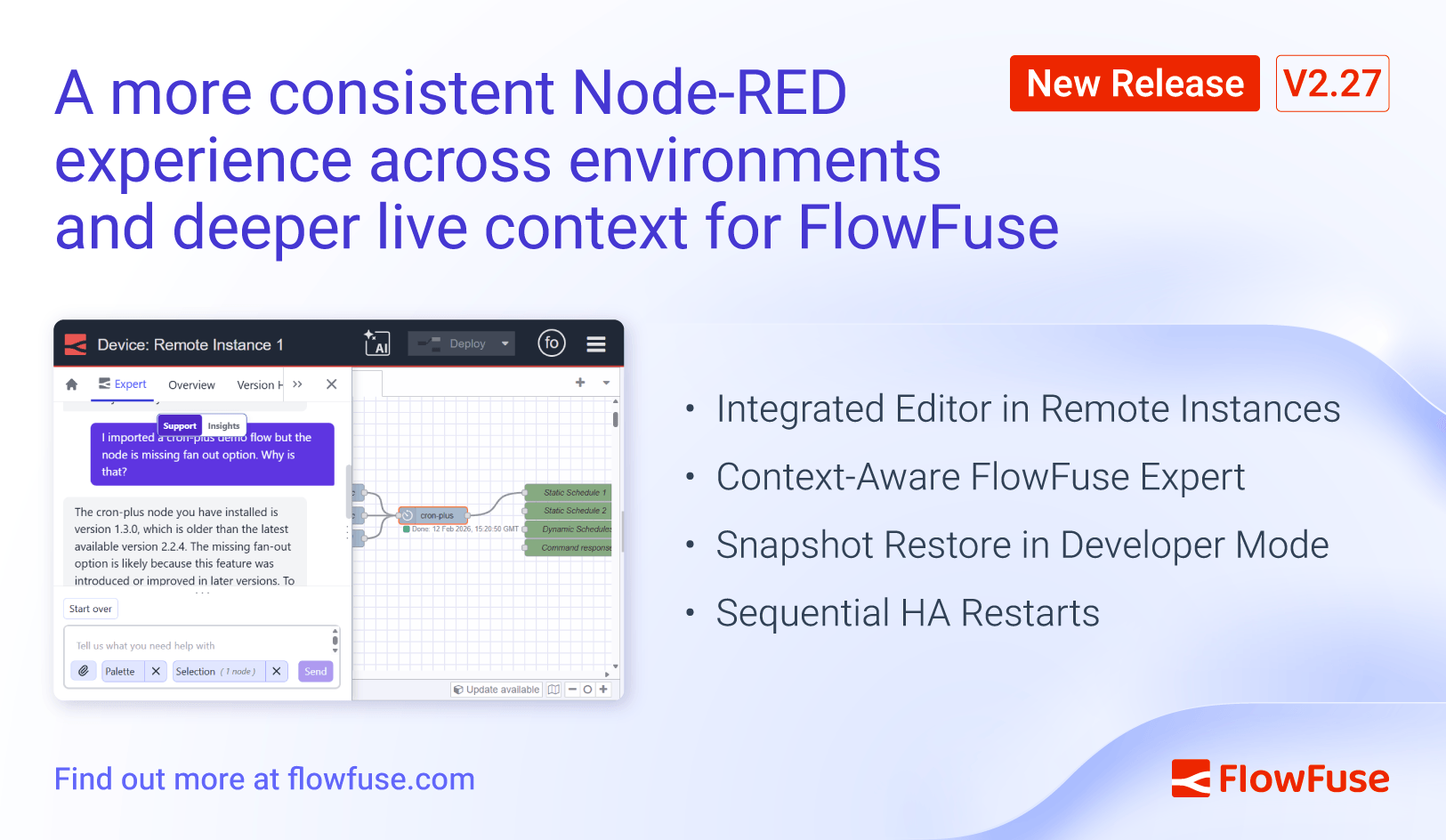
FlowFuse 2.27 brings the integrated editor experience to Remote instances and allows snapshot restores without leaving developer mode. FlowFuse Expert gains live palette and flow context awareness, and High Availability hosted instances now support rolling restarts to reduce service interruption during deployments.
FlowFuse 2.27 tightens the development loop for Remote instances and makes FlowFuse Expert more aware of what is actually running in your Node-RED environment. It also improves availability for High Availability hosted deployments.
A More Integrated Remote Development Workflow
Teams run production and edge workloads in Remote instances. When tooling behaves differently across environments, it slows debugging and increases risk during active changes.
Immersive Editor & Snapshot Restore
FlowFuse now brings the integrated editor experience to Remote instances. Clicking Open Editor provides the same FlowFuse capabilities regardless of where your instance runs.
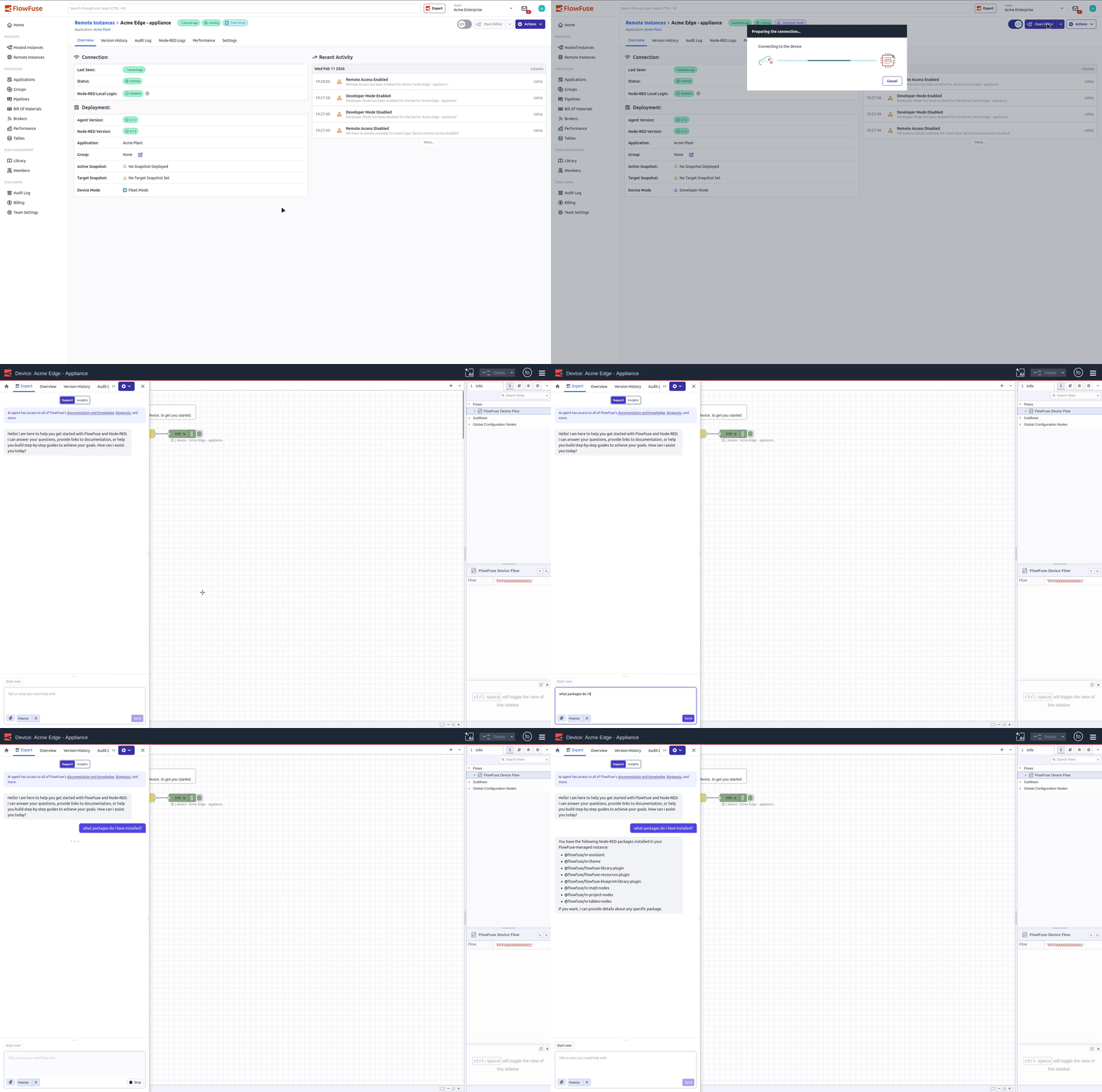 Immersive Mode accessed from a remote instance
Device Agent v3.8.0 also allows you to restore snapshots while remaining in developer mode. You no longer need to exit developer mode to roll back changes. Pipeline protections remain in place, but manual recovery is faster.
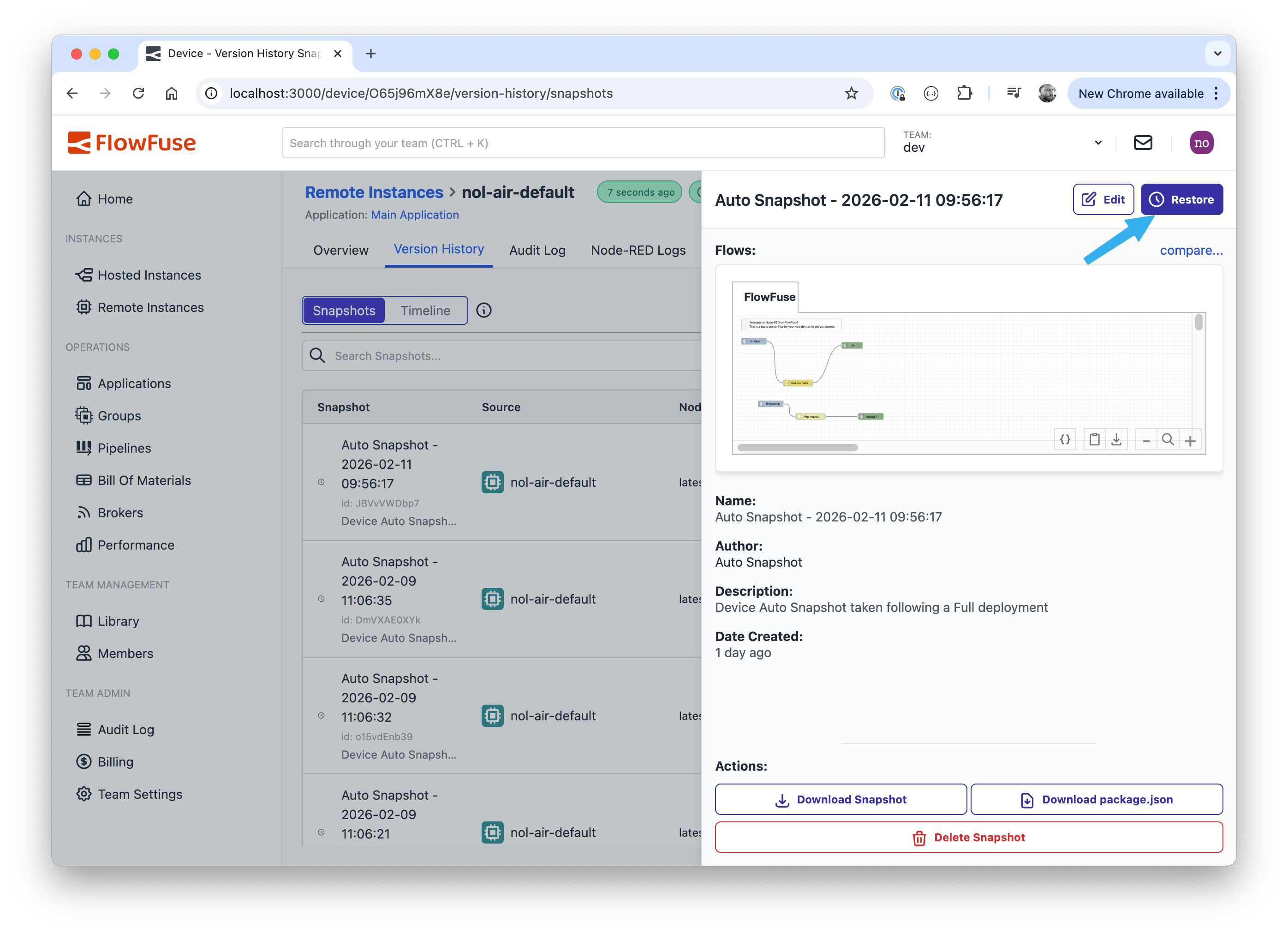 Restoring a snapshot without leaving developer mode
In practice
- You move between hosted and remote environments without changing your workflow
- You restore snapshots without interrupting active debugging
- You reduce friction while iterating on live systems
FlowFuse Expert Uses Live Flow and Palette Context
AI guidance is only useful when it reflects what is actually running in your environment. Manually describing flows or installed nodes slows troubleshooting and introduces gaps in context.
Palette Awareness & Flow Context
FlowFuse Expert now:
- Understands your selected flows as troubleshooting context
- Detects installed custom nodes automatically
- Answers questions about your Node-RED palette, including versions, updates, and disabled nodes
- Suggests node packages and links directly to manage them
- Installs suggested nodes and imports flows with a single click
FlowFuse Expert surfaces context and performs actions only when initiated by the user.
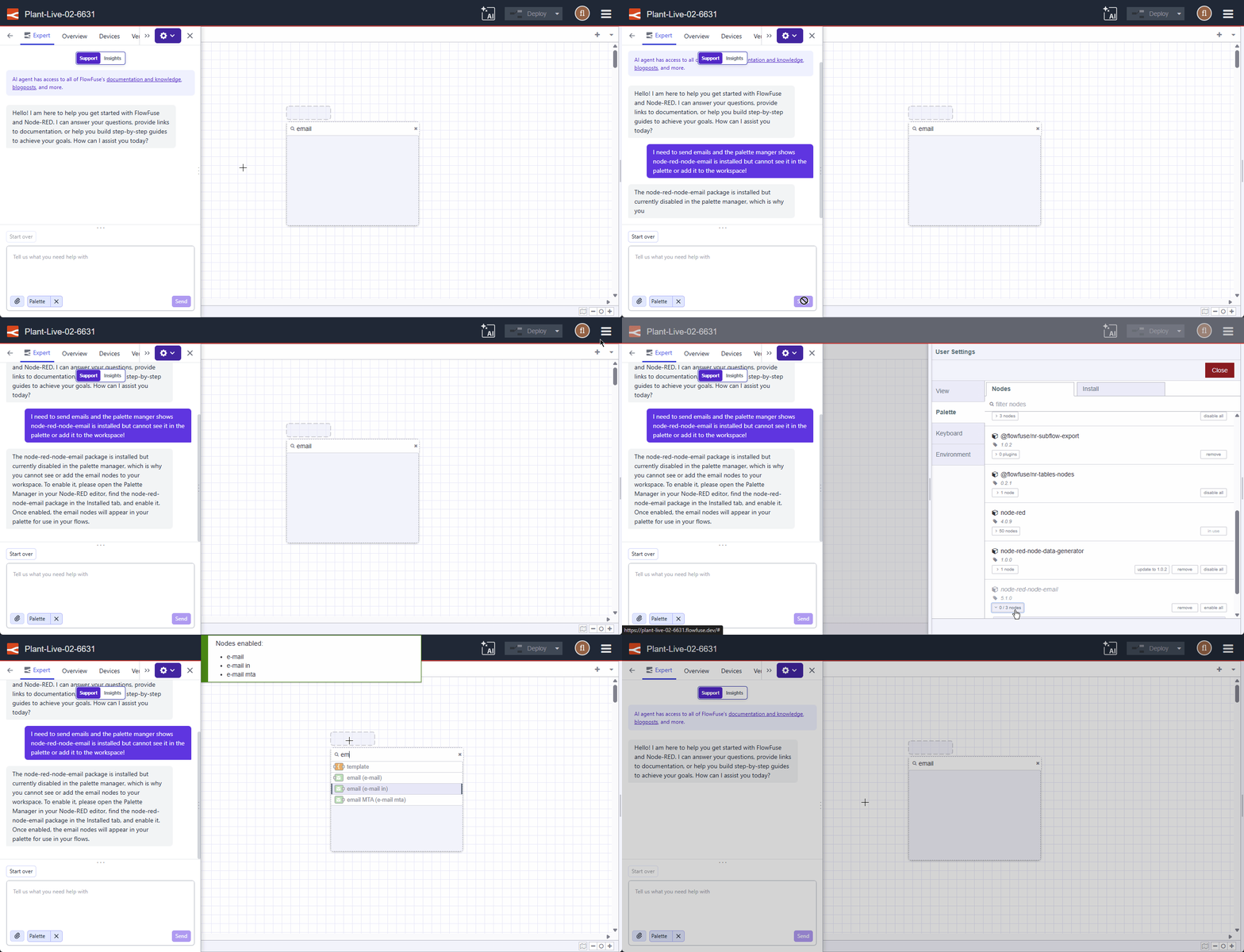 FlowFuse Expert answering palette queries with live context
In practice
- You do not manually describe your setup
- You identify missing or outdated nodes faster
- You troubleshoot flows based on real context
- You move between chat, palette manager, and editor without unnecessary clicks or context switching
High Availability Improvements for Hosted Instances
Parallel restarts in HA environments can introduce avoidable service interruption during deploys or manual restarts.
Rolling Restarts
Hosted Node-RED instances with HA enabled now restart sequentially rather than in parallel. Any manual or pipeline-triggered restart follows this behavior.
This feature is available to Enterprise licensed self-hosted users and Enterprise tier users of FlowFuse Cloud.
In practice
- You reduce service interruption during restarts
- You improve availability during deploys
- You maintain stronger continuity in HA environments
What else is new?
For detailed breakdowns of each feature with additional visuals, visit our changelog. For the complete list of everything included in FlowFuse 2.27, check out the release notes.
If something in this release improves your workflow, or if there is still friction we can remove, please share feedback or report issues regarding this release to us.
Try FlowFuse
FlowFuse Cloud
The fastest way to get started is with FlowFuse Cloud.
[Get started for free]({% include "sign-up-url.njk" %}) and have your Node-RED instances running in minutes.
Self-Hosted
Run FlowFuse locally using Docker or Kubernetes.
Discuss your use case with our team
See how FlowFuse can support your architecture, integrations, and deployment needs.
Like what you're reading?
Add FlowFuse as a preferred sourceOn the page that opens, check the box next to flowfuse.com to see more of our articles in your Google Search results.