test-plc
Provides a set of nodes to Node-RED to help control tams.
Version: 1.4.46Weekly Downloads: 3,861Author:Hahm ji minUpdated: Sep 6, 2024
test-plc

This module is test-plc.
These nodes require node.js version 12 or more recent.
From version 2.10.0 you can create and install widget nodes like other Node-RED nodes.
For the latest updates see the CHANGELOG.md
Pre-requisites
The Node-RED-Dashboard requires Node-RED to be installed.
Install
To install the node run the following from your Node-RED user directory (~/.node-red):
npm install test-plc
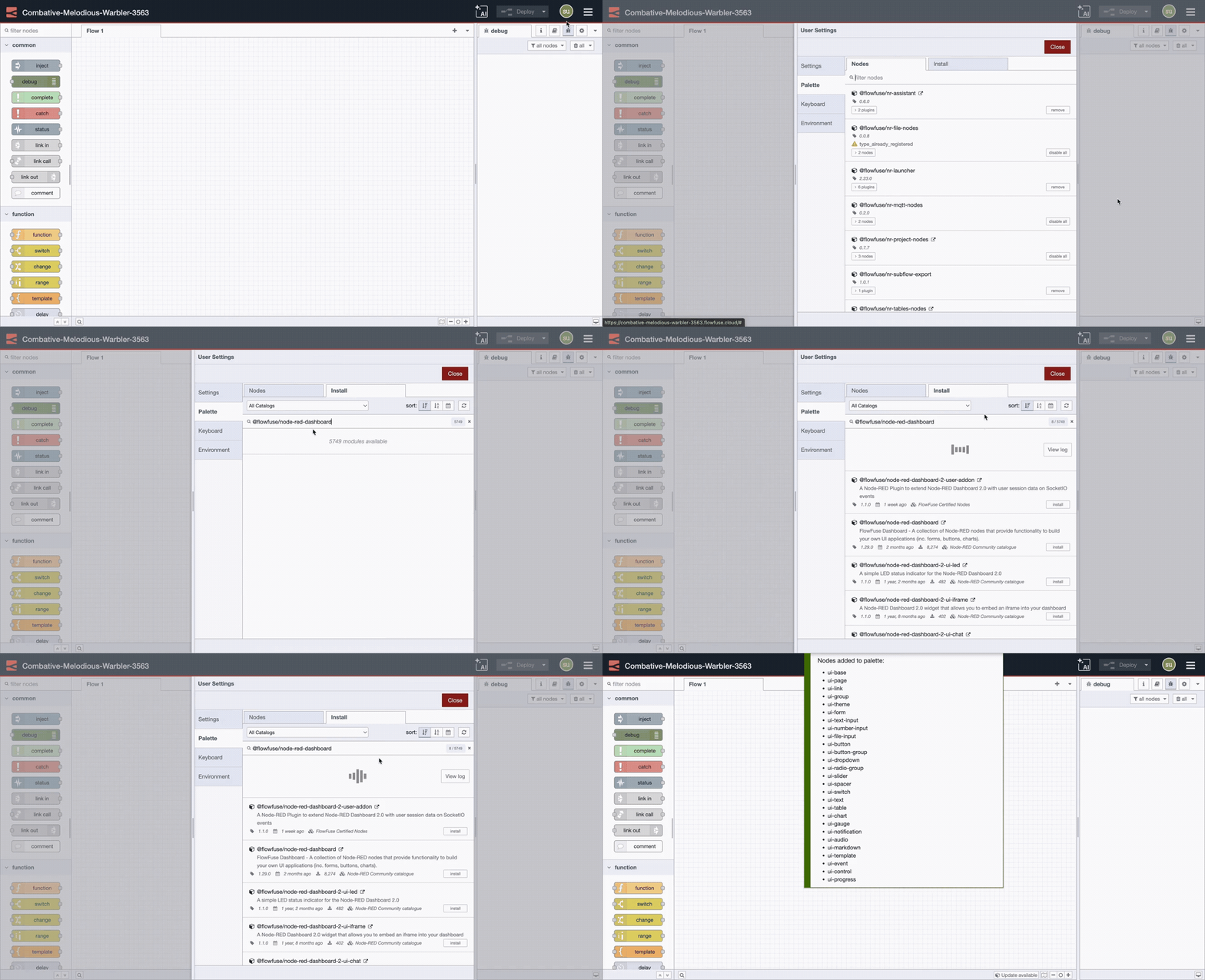
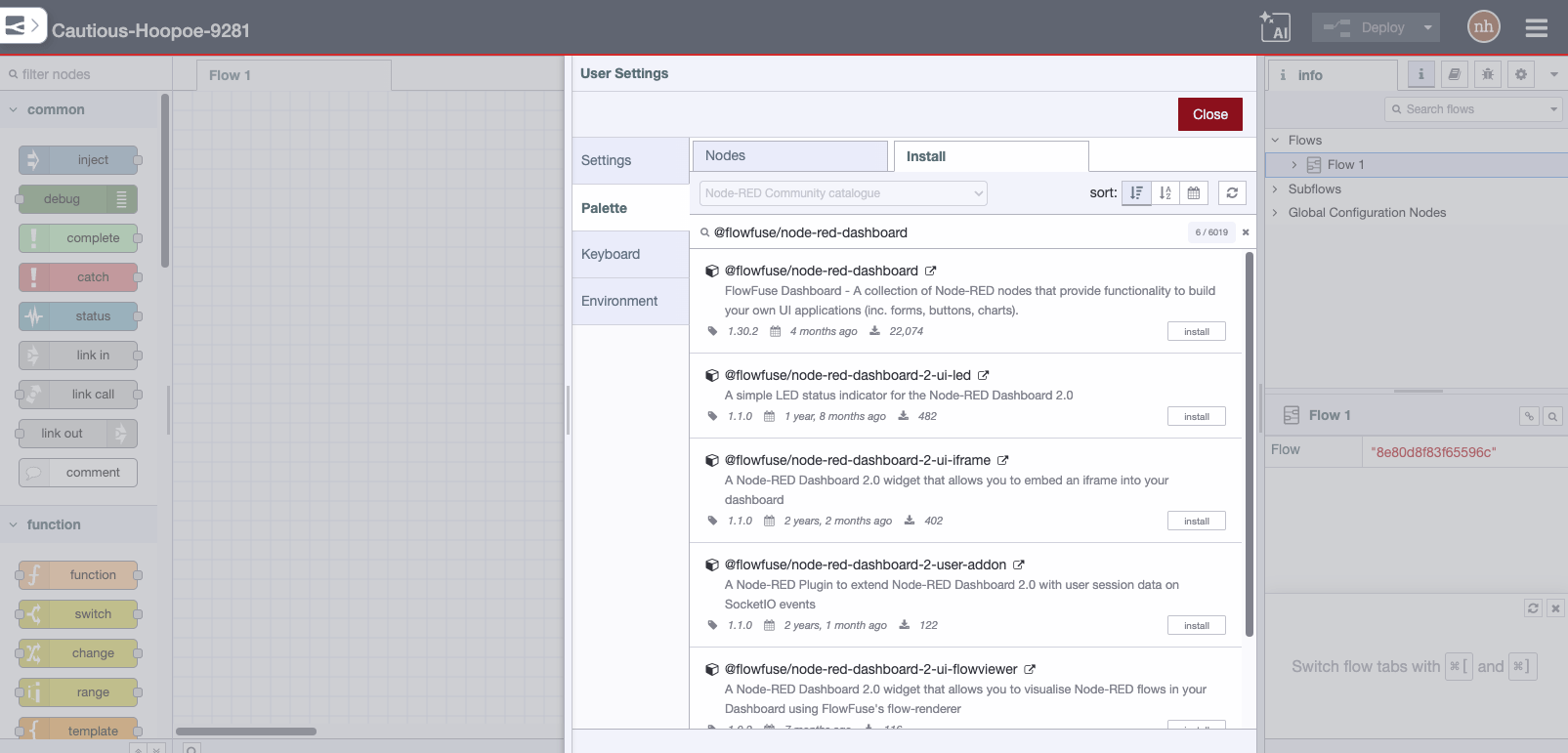
Or install the node from the Palette section of your Node-RED editor by searching by name (test-plc).
Quick Stats
Current Version1.4.46
Weekly Downloads3,861
First PublishedApr 9, 2024
Last UpdatedSep 6, 2024