node-red-node-sqlite
A sqlite node for Node-RED
FlowFuse Recommended Node
FlowFuse recommends this node as a well-maintained, dependable choice for production Node-RED projects.
node-red-node-sqlite
A Node-Red node to read and write a local sqlite database.
Install
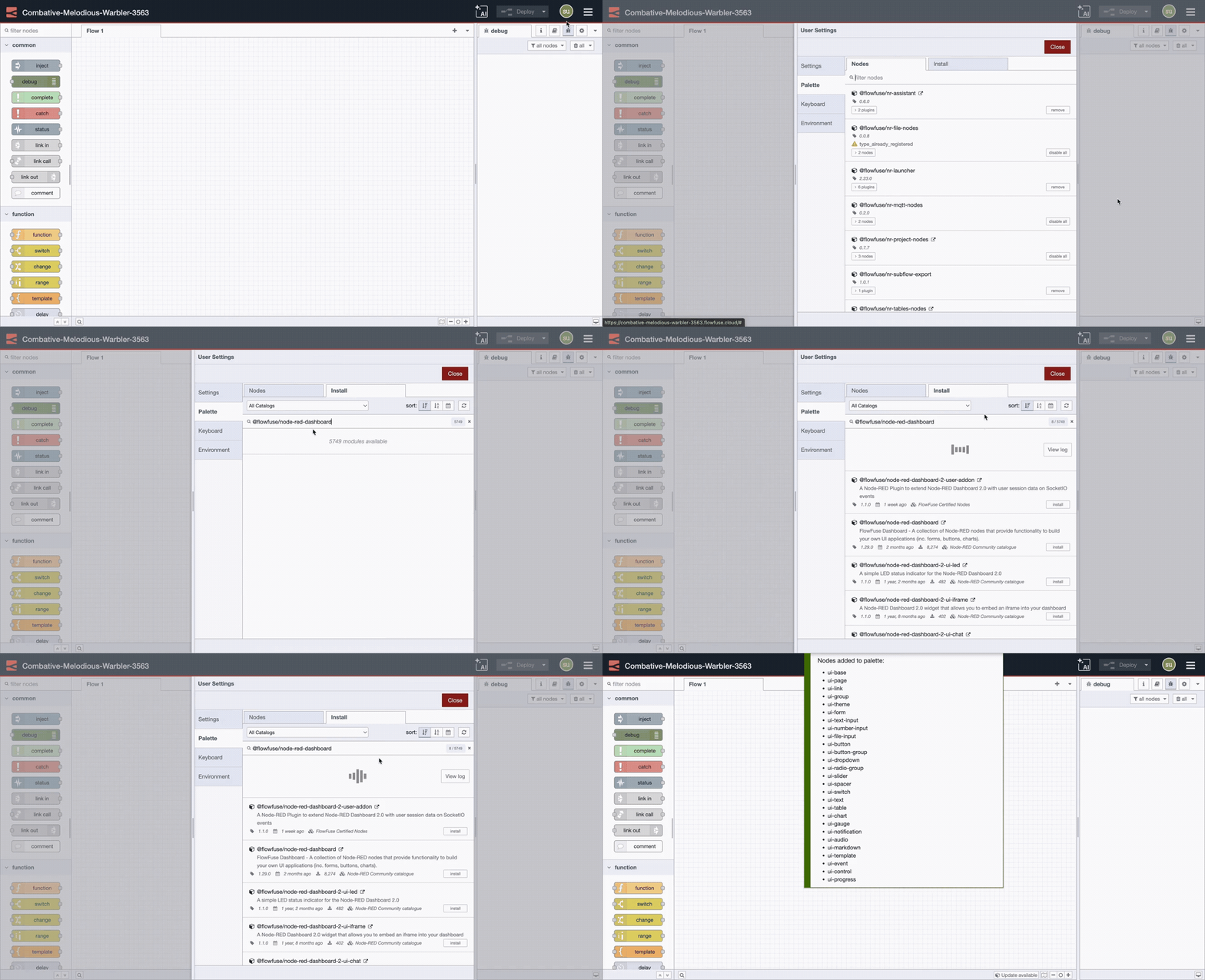
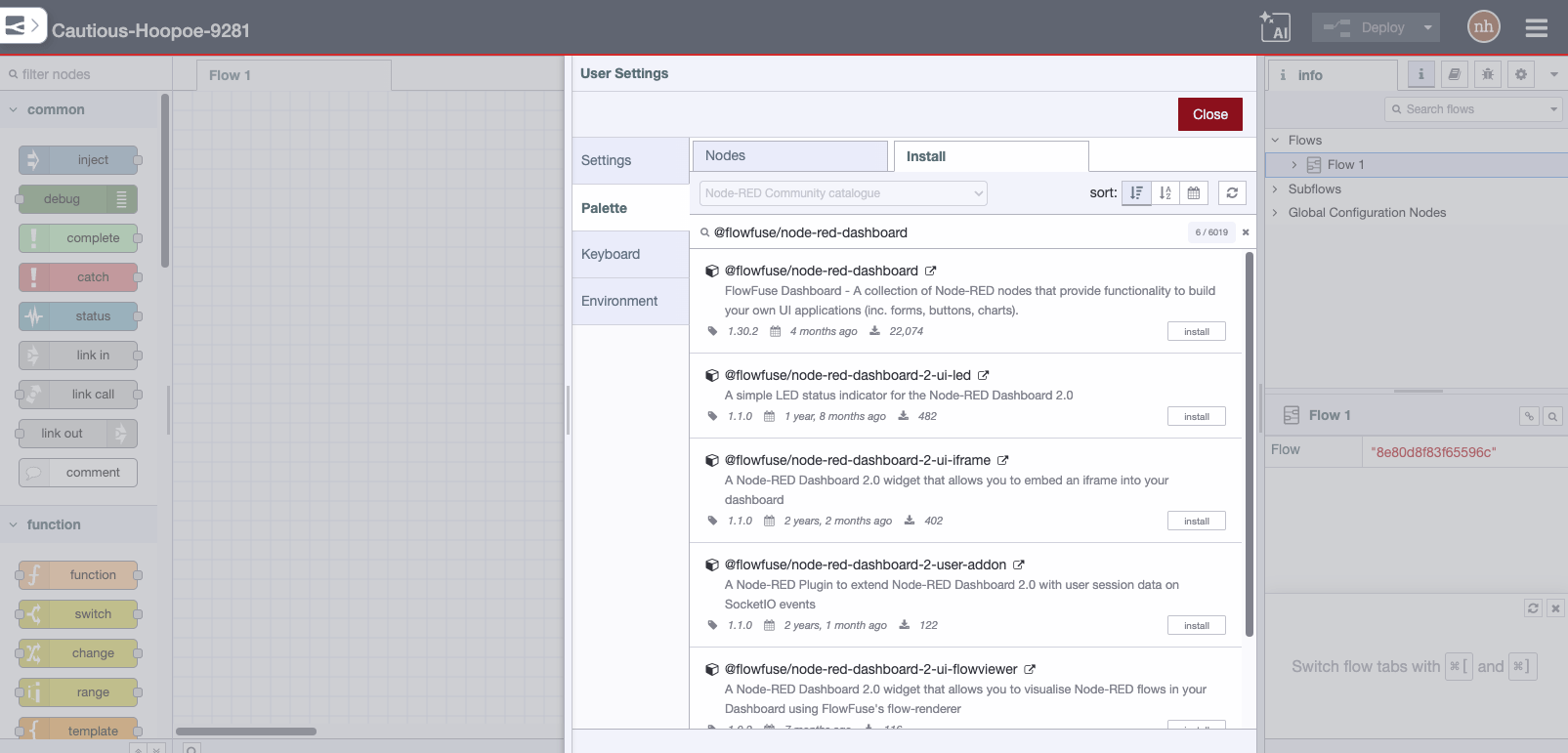
Run the following command in your Node-RED user directory - typically ~/.node-red
npm i --unsafe-perm node-red-node-sqlite
Breaking - v2.x
Version 2 updates the underlying library and this may not have all the required precompiled binaries for all platforms. If you get an error loading the node - for example saying GLIBC_2.38 not found - then you will need to rebuild the sqlite3 binary locally. This can be done by running the rebuild command in the correct directory. This will be something like
cd ~/.node-red/node_modules/sqlite3
npm run rebuild
but of course if you have installed under a project or under docker it may be in a different location.
Notes:
-
Version 1.x requires nodejs v12 or greater.
-
The install process requires a compile of native code. This can take 15-20 minutes on devices like a Raspberry Pi - please be prepared to wait a long time. Also if node.js is upgraded at any point you will need to rebuild the native part manually, for example.
cd ~/.node-red npm rebuild
Usage
Allows access to a SQLite database.
SQL Query sets how the query is passed to the node.
SQL Query Via msg.topic and Fixed Statement uses the db.all operation against the configured database. This does allow INSERTS, UPDATES and DELETES. By its very nature it is SQL injection... so be careful out there...
SQL Type Prepared Statement also uses db.all but sanitizes parameters passed, eliminating the possibility of SQL injection.
SQL Type Batch without response uses db.exec which runs all SQL statements in the provided string. No result rows are returned.
When using Via msg.topic or Batch without response msg.topic must hold the query for the database.
When using Via msg.topic, parameters can be passed in the query using a msg.payload array. Ex:
msg.topic = `INSERT INTO user_table (name, surname) VALUES ($name, $surname)`
msg.payload = ["John", "Smith"]
return msg;
When using Normal or Prepared Statement, the query must be entered in the node config.
Pass in the parameters as an object in msg.params for Prepared Statement. Ex:
msg.params = {
    $id:1,
    $name:"John Doe"
}
Parameter object names must match parameters set up in the Prepared Statement. If you get the error SQLITE_RANGE: bind or column index out of range be sure to include $ on the parameter object key. The SQL query for the example above could be: insert into user_table (user_id, user) VALUES ($id, $name);
Using any SQL Query, the result is returned in msg.payload
Typically the returned payload will be an array of the result rows, (or an error).
You can load SQLite extensions by inputting a msg.extension property containing the full path and filename.
The reconnect timeout in milliseconds can be changed by adding a line to settings.js
sqliteReconnectTime: 20000,