node-red-node-smooth
A Node-RED node that provides several simple smoothing algorithms for incoming data values.
node-red-node-smooth
A Node-RED node that provides several simple smoothing algorithms for incoming data values. These include
- Minimum
- Maximum
- Mean
- Standard Deviation
- High Pass Smoothing
- Low Pass Smoothing
Install
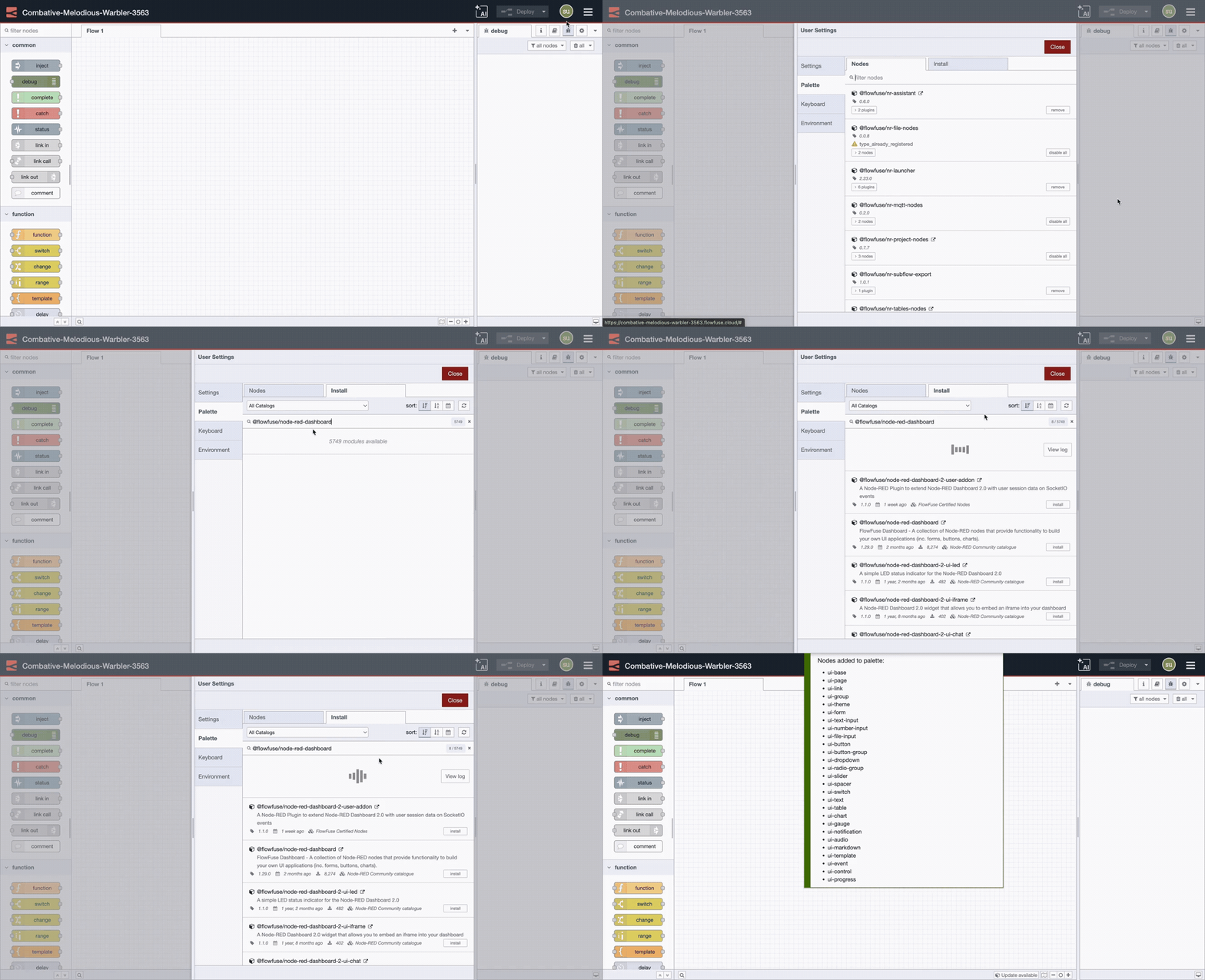
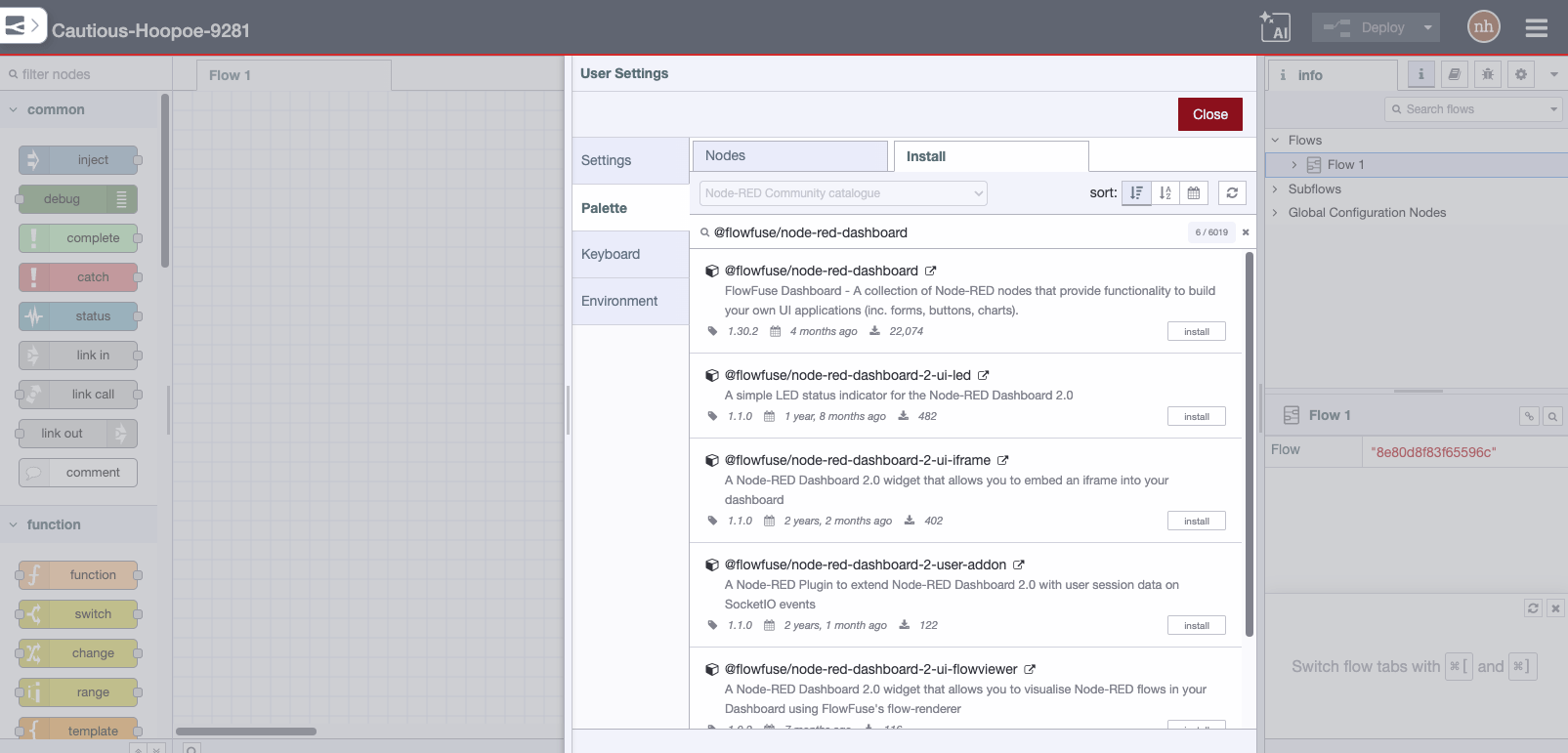
Run the following command in your Node-RED user directory - typically ~/.node-red
npm install node-red-node-smooth
Usage
A simple node to provide various functions across several previous values, including max, min, mean, standard deviation, high and low pass filters.
Max, Min, Mean and Standard Deviation work over a rolling window, based on a specified number of previous values.
The High and Low pass filters use a smoothing factor. The higher the number the more the smoothing. E.g. a value of 10 is similar to an α of 0.1. It is analogous to an RC time constant - but there is no time component to this as the code is based on events arriving.
If msg.reset is received (with any value), all the counters and intermediate values are reset to an initial state.
Note: This node only operates on numbers. Anything else will try to be made into a number and rejected if that fails.