node-red-node-random
A Node-RED node that when triggered generates a random number between two values.
node-red-node-random
A Node-RED node that when triggered generates a random number between two values.
Install
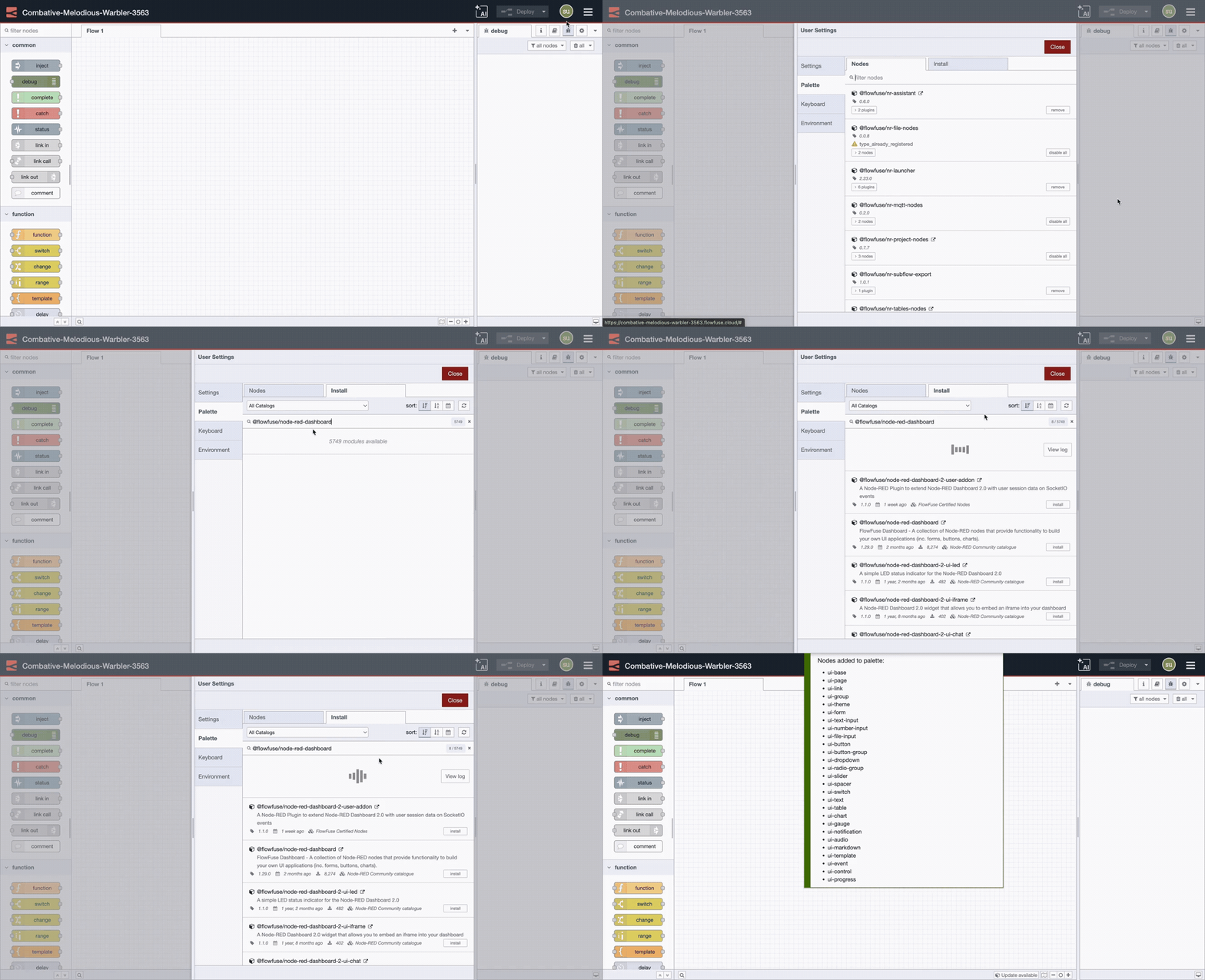
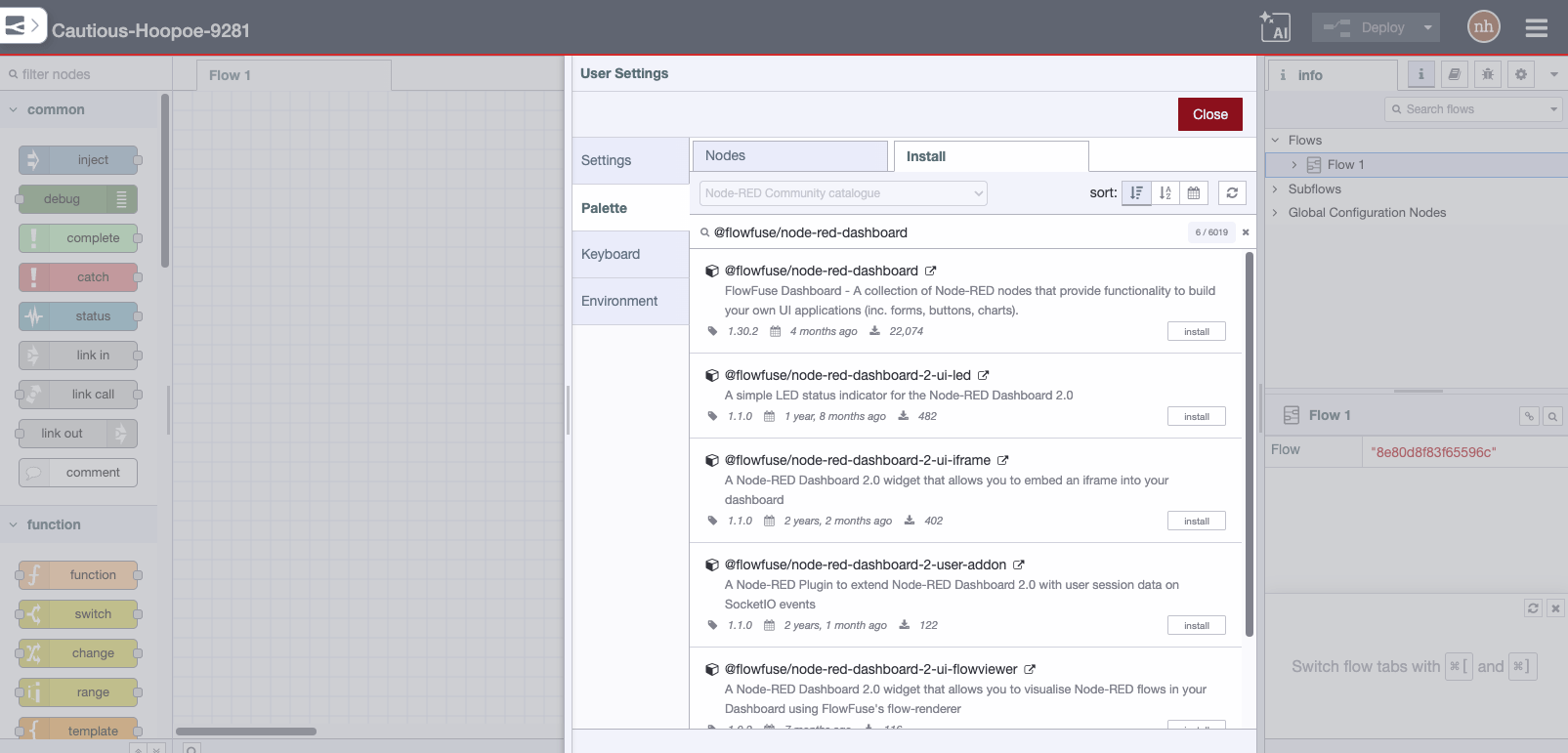
Either use the Manage Palette option in the Node-RED Editor menu, or run the following command in your Node-RED user directory - typically ~/.node-red
npm i node-red-node-random
Usage
A simple node to generate a random number when triggered.
If set to return an integer it can include both the low and high values.
min <= n <= max - so selecting 1 to 6 will return values 1,2,3,4,5 or 6.
If set to return a floating point value it will be from the low value, up to, but
not including the high value. min <= n < max - so selecting 1 to 6 will return values 1 <= n < 6 .
You can dynamically pass in the 'From' and 'To' values to the node using msg.to and/or msg.from. NOTE: hard coded values in the node always take precedence.
Note: This returns numbers - objects of type number.