node-red-node-openweathermap
A Node-RED node that gets the weather report from openweathermap
node-red-node-openweathermap
A Node-RED node that gets the weather report and forecast from OpenWeatherMap.
Install
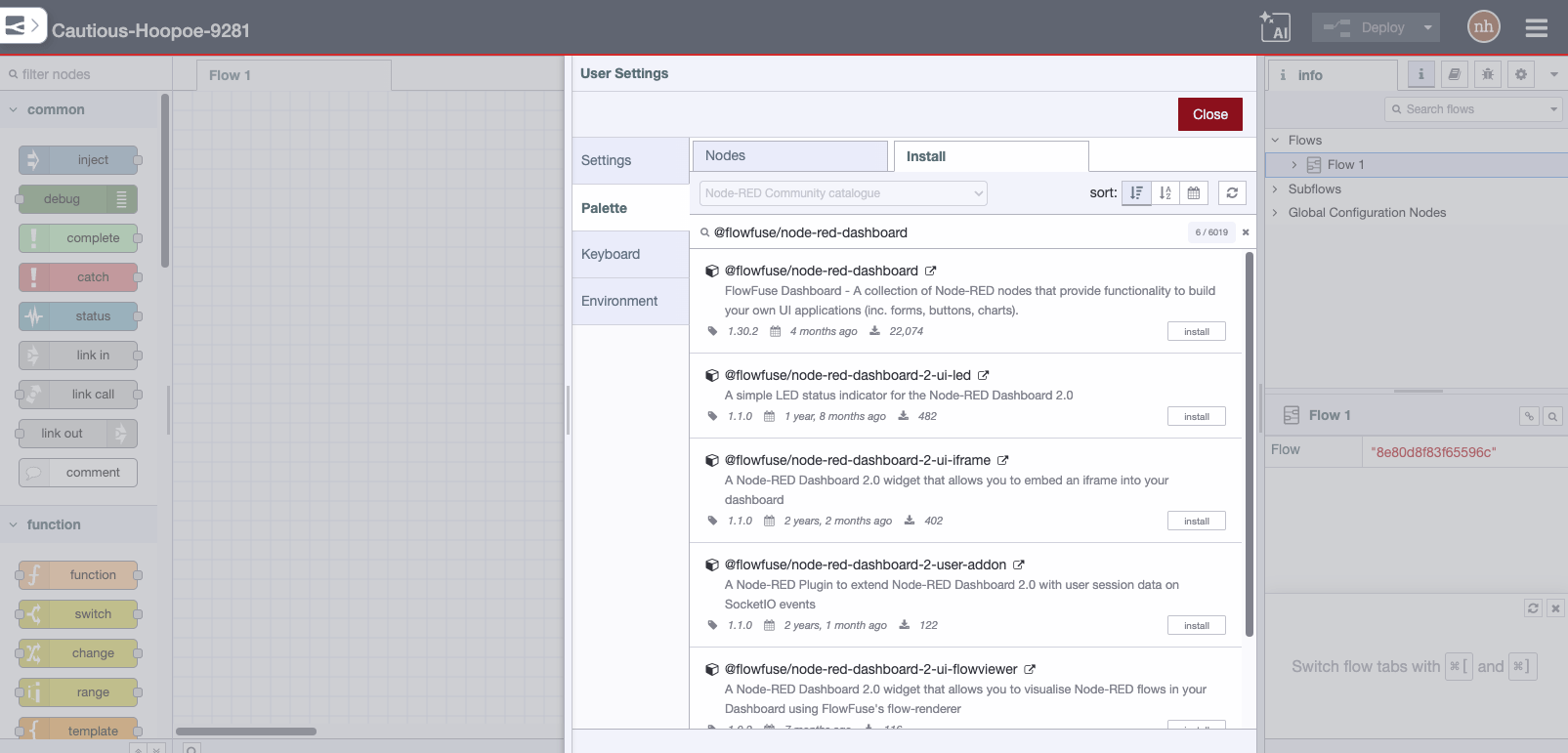
Run the following command in the root directory of your Node-RED install
npm install node-red-node-openweathermap
Usage
Two nodes that get the weather report and forecast from OpenWeatherMap.
Note: An API key is required to use these nodes. To obtain an API key go to OpenWeatherMap.
Input Node
Fetches the current weather or 5 day forecast at a location specified by city and country or
latitude and longitude every 10 minutes - and outputs a msg if something has changed.
Query node
Accepts an input to trigger fetching the current weather either
from a specified city and country or latitude and longitude or passed in on
msg.location.city and msg.location.country
    or
msg.location.lat and msg.location.lon
Results
Current conditions will return
- description - a brief verbal description of the current weather for human reading.
- weather - a very short description of the current weather.
- icon - the weather icon code for the current conditions.
- id - the id given to the current weather by OpenWeatherMap
- tempc - the current ground temperature at that location in Celsius.
- tempk - the current ground temperature at that location in Kelvin.
- humidity - the current relative humidity at the location in percent.
- windspeed - the current wind speed at the location in metres per second.
- winddirection - the current wind direction at the location in meteorological degrees.
- location - the name of the location from which the data was sourced.
- rain - the precipitation amount in mm/h (only present if it is raining).
5 day Forecast will return a 5 part array, each with
- dt - epoch timestamp
- pressure - in hPa
- humidity - in %
- speed - wind speed in metres per second
- deg - wind direction in degrees
- clouds - cloudiness in %
- temp - an object with various temperatures in degC,
- day, min, max, night, eve, morn
- weather - an object with some misc. data,
- description, icon, main, id
The node also sets the following properties of msg.location.
- lat - the latitude of the location from which the data was sourced.
- lon - the longitude of the location from which the data was sourced.
- city - the city from which the data was sourced.
- country - the country from which the data was sourced.
Finally, the node sets:
- msg.time - the time at which the weather data was received by OpenWeatherMap.
- msg.data - the full JSON returned by the API. This is VERY rich...
Weather data provided by OpenWeatherMap.org/