node-red-node-base64
FlowFuse Recommended
A Node-RED node to pack and unpack objects to base64 format
Version: 1.0.0Weekly Downloads: 1,741Author:Dave Conway-JonesUpdated: Apr 14, 2025
FlowFuse Recommended Node
FlowFuse recommends this node as a well-maintained, dependable choice for production Node-RED projects.
node-red-node-base64
A Node-RED node to encode and decode base64 format messages.
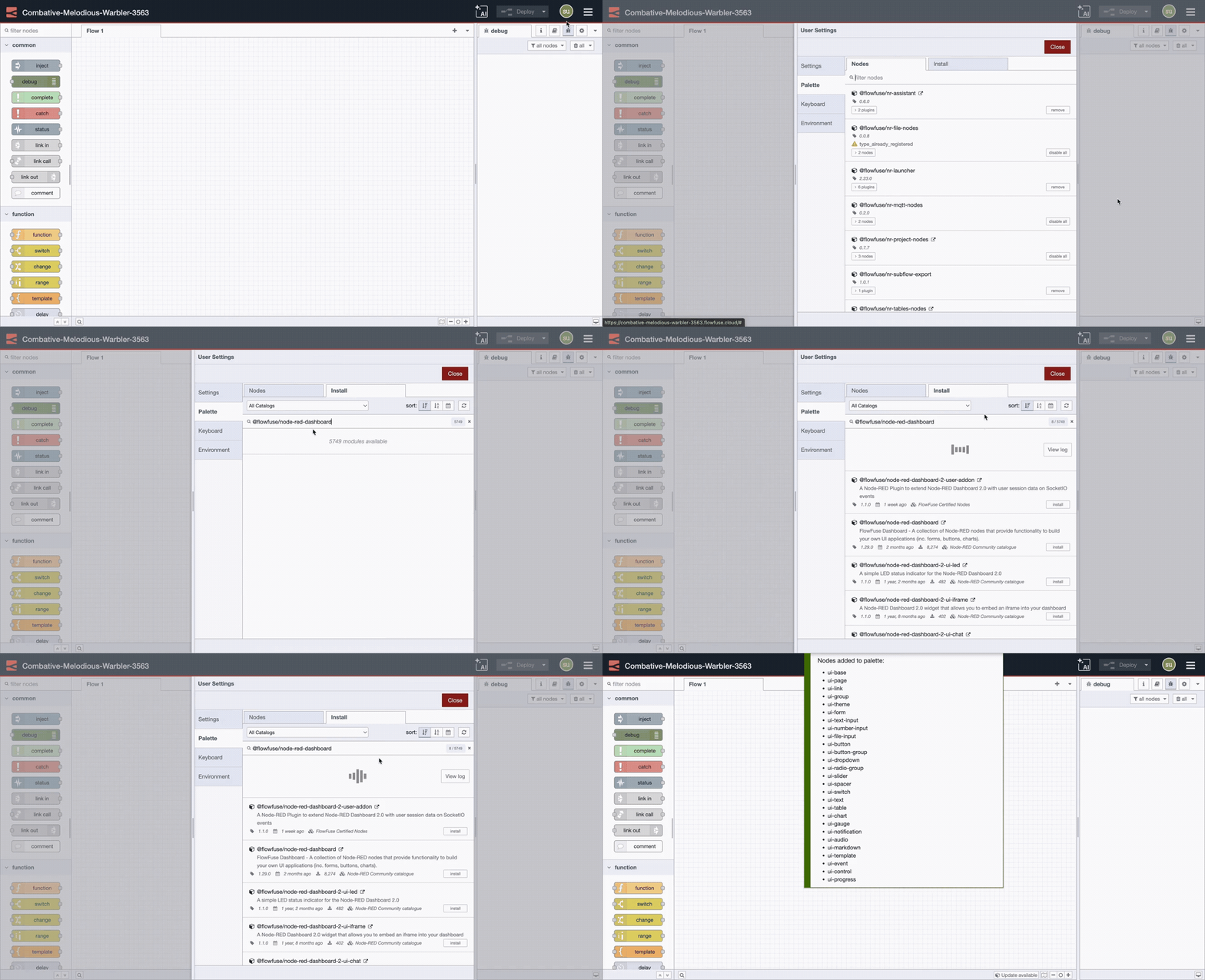
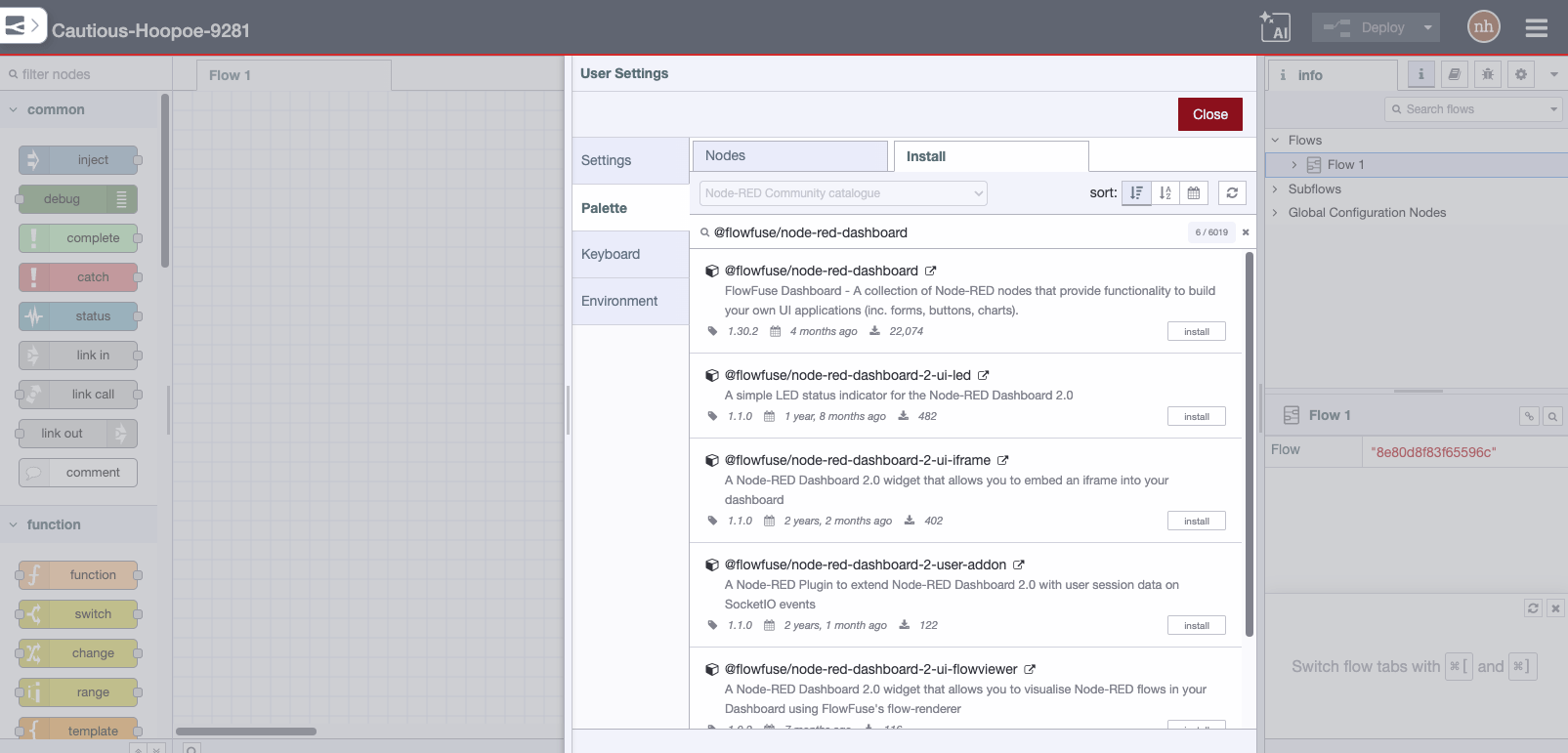
Install
Run the following command in your Node-RED user directory - typically ~/.node-red
npm i node-red-node-base64
Usage
A function that converts the msg.payload to and from base64 format.
If the input is a binary buffer it converts it to a Base64 encoded string.
If the input is a Base64 string it converts it back to a binary buffer.
Sample Flow
[{"id":"d2ccae00.2d335","type":"inject","name":"","topic":"","payload":"","payloadType":"none","repeat":"","crontab":"","once":false,"x":136,"y":99,"z":"385bdf8b.c7a42","wires":[["e03cae10.1fc35"]]},{"id":"b778ef09.48871","type":"base64","name":"","x":411.5,"y":160,"z":"385bdf8b.c7a42","wires":[["6295d1b1.9d6a3","46b597ba.b94a68"]]},{"id":"6295d1b1.9d6a3","type":"debug","name":"","active":true,"console":"false","complete":"false","x":610,"y":160,"z":"385bdf8b.c7a42","wires":[]},{"id":"ead9e7c9.152618","type":"debug","name":"","active":true,"console":"false","complete":"false","x":610,"y":240,"z":"385bdf8b.c7a42","wires":[]},{"id":"46b597ba.b94a68","type":"base64","name":"","x":411.5,"y":240,"z":"385bdf8b.c7a42","wires":[["ead9e7c9.152618"]]},{"id":"1c9124e9.e36edb","type":"inject","name":"","topic":"","payload":"","payloadType":"date","repeat":"","crontab":"","once":false,"x":1775,"y":113,"z":"385bdf8b.c7a42","wires":[[]]},{"id":"48a892ea.b7576c","type":"debug","name":"","active":true,"console":"false","complete":"false","x":2171,"y":210,"z":"385bdf8b.c7a42","wires":[]},{"id":"e03cae10.1fc35","type":"function","name":"","func":"msg.payload = new Buffer.from(\"12345\");\nreturn msg;","outputs":1,"x":250,"y":160,"z":"385bdf8b.c7a42","wires":[["b778ef09.48871"]]}]
Quick Stats
Current Version1.0.0
Weekly Downloads1,741
First PublishedNov 18, 2014
Last UpdatedApr 14, 2025


