node-red-contrib-trexmes-oee-calculator
TrexMes OEE Calculator from IoBox Data
node-red-contrib-trexmes-oee-calculator
This is a Node-Red is produced to provide instant calculation of OEE industrial values with the data coming from the IoBox serial communication hardware device used in Trex Mes systems.
At the end of the production cycle time, instant Availability, Performance, Quality and OEE values are calculated and sent to the node output.
A continuous data feed is required for calculations to be made.
The expected input data should be as follows.
{
	stoppage: "0"
	working: "1"
	itemcount: "17"
	wasteitemcount: "3"
	interval: 15
	expecteditemcount: 6
}
Here
stoppage : Digital (0 / 1) signal at the time of stop
working : Digital (0 / 1) working signal from the machine
itemcount : Total number of production instantly
wasteitemcount : Instantly total waste production
interval : Production Cycle time or production frequency to be calculated
expecteditemcount : The expected production number within the entered cycle time.
Example output of the node.
{
    availability: "0.83",
    performance: "0.80",
    quality: "0.80",
    oee: "0.53"
}
https://trexakademi.com/oee/
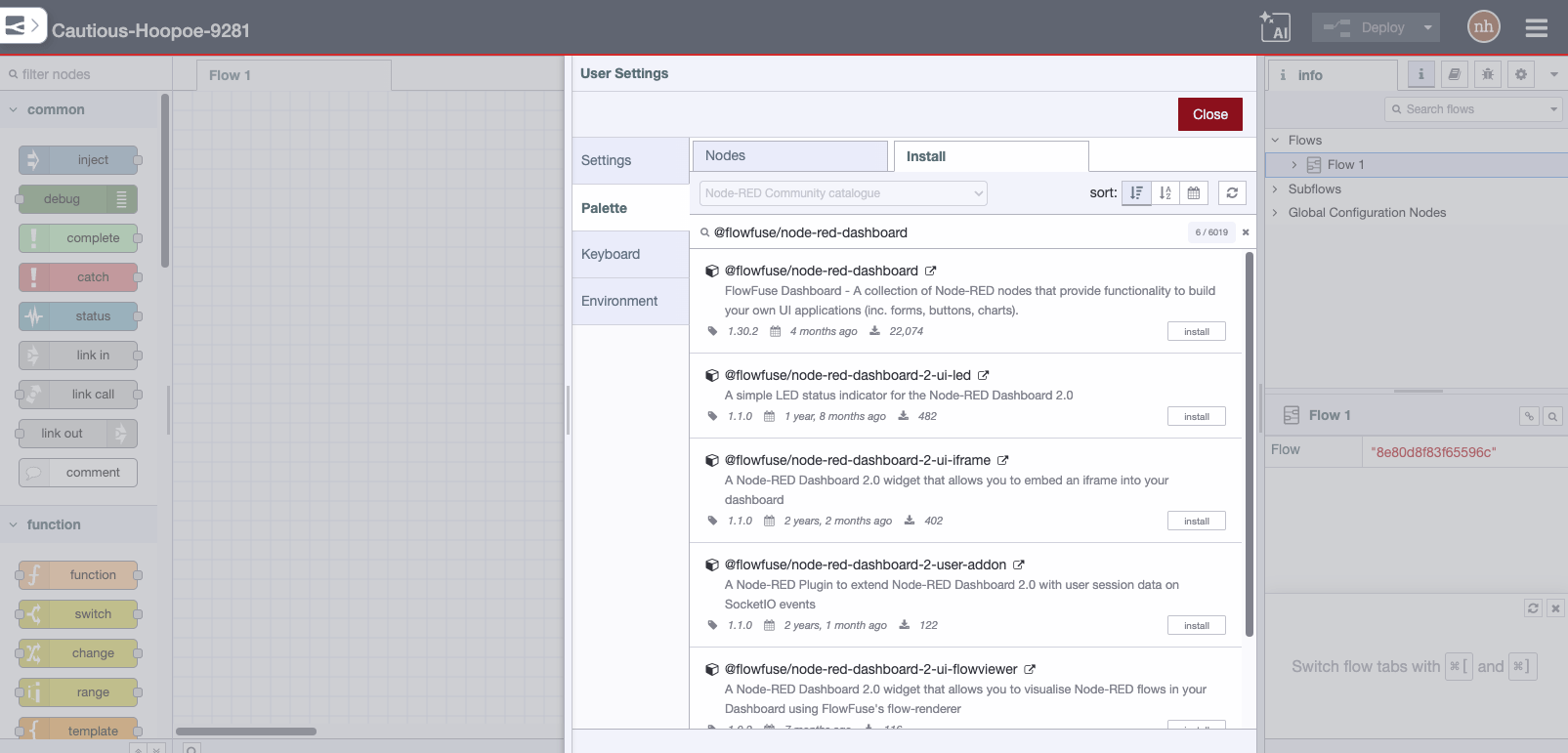
Install
Run the following command in the root directory of your Node-RED install
npm install node-red-contrib-trexmes-oee-calculator
Requirements
The package currently requires Node.js 18.16 or higher.