node-red-contrib-mssql-plus
A node-red node to execute queries, stored procedures and bulk inserts in Microsoft SQL Server and Azure Databases SQL2000 ~ SQL2022
FlowFuse Recommended Node
FlowFuse recommends this node as a well-maintained, dependable choice for production Node-RED projects.
node-red-contrib-mssql-plus
A Node-RED node to execute queries, stored procedures and bulk inserts in Microsoft SQL Server and Azure Databases SQL2000 ~ SQL2022.
Importantly, this package comes with pre-built linux drivers for communicating with the Azure & MS SQL services (using TDS protocol), removing the need to set-up environment level MSSQL (or similar) drivers.
Screen shot

Features include...
- Connect to multiple SQL Servers and Azure databases from SQL2000 ~ 2022
- Perform multiple queries in one go & get back multiple recordsets (depends on the queries sent)
- Supports Stored Procedure execute
- Supports Bulk Insert
- Built in examples (node-red hamburger menu → import → examples → node-red-contrib-mssql-plus)
- TVP - A demo of calling a stored procedure and passing in a table valued parameters
- BULK - A demo of inserting a large amount of data in bulk mode
- Use env vars in the config node for all fields (including credentials). e.g...
- Server
{{{SQL_IP}}} - Password
{{{SQL_PW}}}
- Server
- Use mustache in your SQL queries including msg, flow and global context. e.g...
SELECT TOP {{{payload.maxRows}}} * FROM [MyTable] WHERE Name = '{{{flow.name}}}' AND quantity <= {{{global.maxQty}}}- View the final query (mustache rendered into values) in
msg.queryto understanding what happened to your {{{mustache}}} parameters
- Enter parameters in the UI or send parameters in via
msg,floworglobalvariables for use in your SQL queries e.g...SELECT * FROM [MyTable] WHERE Name = @name AND quantity <= @maxQty- View the final parameters (rendered with final values) in
msg.queryParamsthat were used in the query to aid debugging - View output parameters values in
msg.queryParamsafter the query has executed
- Choose between throwing an error to the catch node or outputting an error property in
msg.error - Additional properties are in the msg object (use a debug node with "complete msg object" set to see whats available)
Install
Easiest
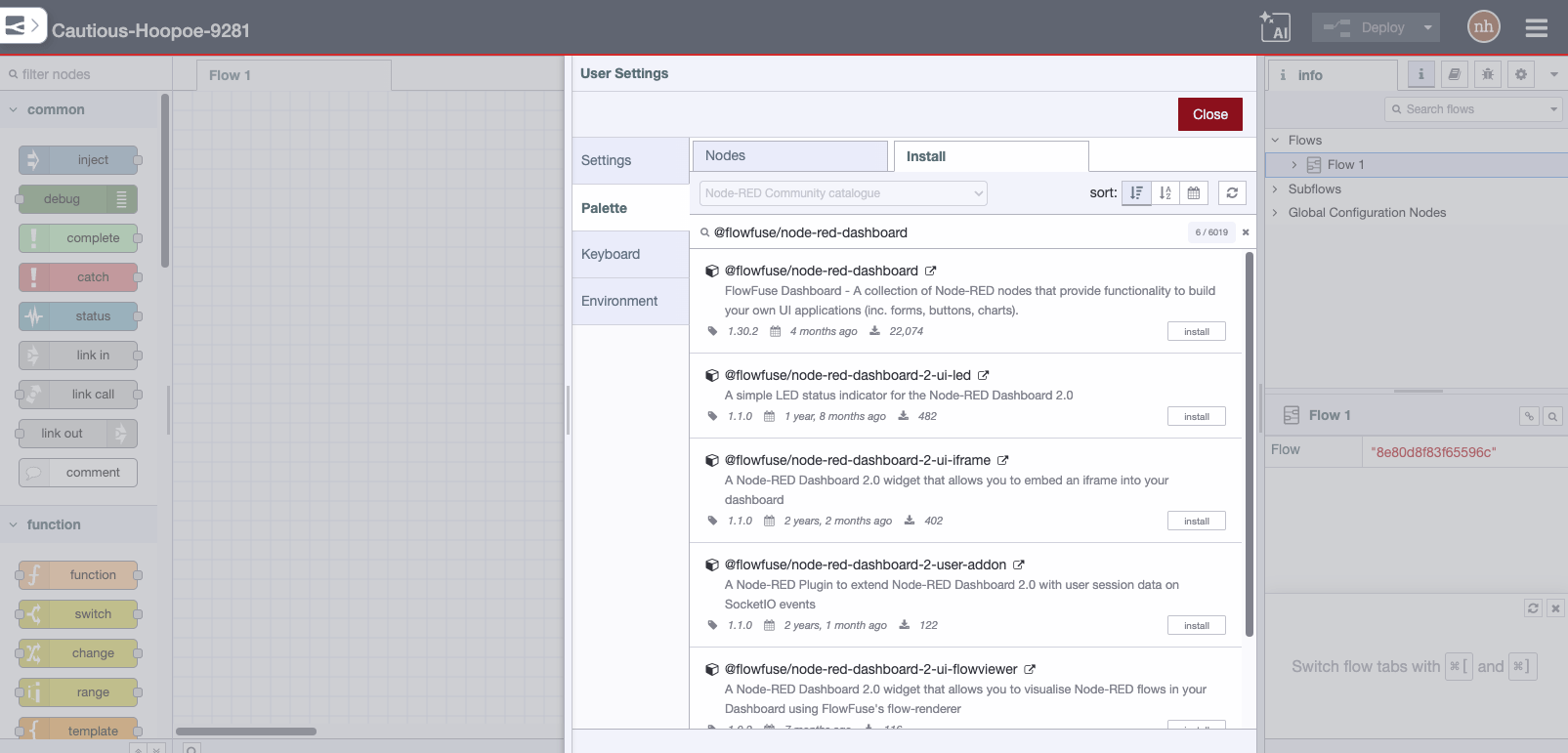
Use the Manage Palette > Install option from the menu inside node-red
Harder
Alternatively in your Node-RED user directory, typically ~/.node-red, run
npm install node-red-contrib-mssql-plus
Usage
Please refer to the built in help in the info panel in node red.
Sample flow
Demonstrating mustache rendering, input parameters, mutliple queries, print info...
- Payload:
{"count": 5, "age": 35} - Parameters
name,varchar(20),stephenage,int,msg.payload.age
- Query:
      PRINT @name
      SELECT TOP {{{payload.count}}} *
      FROM testdb.dbo.[MyTable] WHERE Name = @name
      SELECT TOP {{{payload.count}}} *
      FROM testdb.dbo.[MyTable] WHERE Age = @age
      PRINT 'complete'
- After Rendering Mustache:
      PRINT @name
      SELECT TOP 5 *
      FROM testdb.dbo.[MyTable] WHERE Name = @name
      SELECT TOP 5 *
      FROM testdb.dbo.[MyTable] WHERE Age = @age
      PRINT 'complete'
flow...
[{"id":"61625aaf.479d84","type":"inject","z":"595a5dd5.a963a4","name":"{\"count\": 5, \"age\": 35}","topic":"","payload":"{\"count\": 5, \"age\": 35}","payloadType":"json","repeat":"","crontab":"","once":false,"onceDelay":0.1,"x":220,"y":320,"wires":[["6e09980a.127878"]]},{"id":"6e09980a.127878","type":"MSSQL","z":"595a5dd5.a963a4","mssqlCN":"a51e405c.10f64","name":"","outField":"payload","returnType":"1","throwErrors":"0","query":"PRINT @name\n\nSELECT TOP {{{payload.count}}} * \nFROM testdb.dbo.[MyTable] WHERE Name = @name\n\nSELECT TOP {{{payload.count}}} * \nFROM testdb.dbo.[MyTable] WHERE Age = @age\n\nPRINT 'complete'","modeOpt":"","modeOptType":"query","queryOpt":"","queryOptType":"editor","paramsOpt":"","paramsOptType":"editor","params":[{"output":false,"name":"name","type":"VarChar(20)","valueType":"str","value":"stephen"},{"output":false,"name":"age","type":"int","valueType":"msg","value":"payload.age"}],"x":260,"y":380,"wires":[["babb6d0.5ae7e9"]]},{"id":"babb6d0.5ae7e9","type":"debug","z":"595a5dd5.a963a4","name":"","active":true,"tosidebar":true,"console":false,"tostatus":false,"complete":"true","targetType":"full","x":270,"y":440,"wires":[]},{"id":"a51e405c.10f64","type":"MSSQL-CN","z":"","tdsVersion":"7_4","name":"My SQL Server","server":"192.168.1.38","port":"1433","encyption":false,"database":"testdb","useUTC":false,"connectTimeout":"15000","requestTimeout":"15000","cancelTimeout":"5000","pool":"5","parseJSON":false}]
Other
This node based on node-red-contrib-mssql.
Thanks to Redconnect.io.