node-red-contrib-modbus-modpackqt
Modbus commissioning, testing & analysis tools for Node-RED. Embedded Modbus TCP/RTU master + slave server, FC1/FC2/FC3/FC4 reads, FC5/FC6/FC15/FC16 writes, built-in slave register store, and a passive traffic monitor for debugging. 100% free, MIT, no usa
node-red-contrib-modbus-modpackqt
Modbus commissioning, testing & analysis tools for Node-RED. By ModPackQT.



100% free, MIT-licensed, no usage limits. Open the ModPackQT web console for register decoding, device simulation and AI assistance.
What you get
- Modbus master — read (FC1–FC4) and write (FC5/FC6/FC15/FC16) over TCP or RTU (serial)
- Embedded Modbus TCP slave server — push values from any flow, let PLCs / SCADA / HMIs read them
- Cloud profile pickers — paste your ModPackQT Account Key into the runtime config and a My Connections dropdown loads your saved devices, auto-filling host / port / unit. The slave server node has a matching My Slaves picker. No more retyping IPs across nodes.
- Outputs raw register values — pair with
node-red-contrib-bytes-modpackqtto decode int / float / string / bitmask - Zero external dependencies — Modbus runs inside the Node-RED process
Install
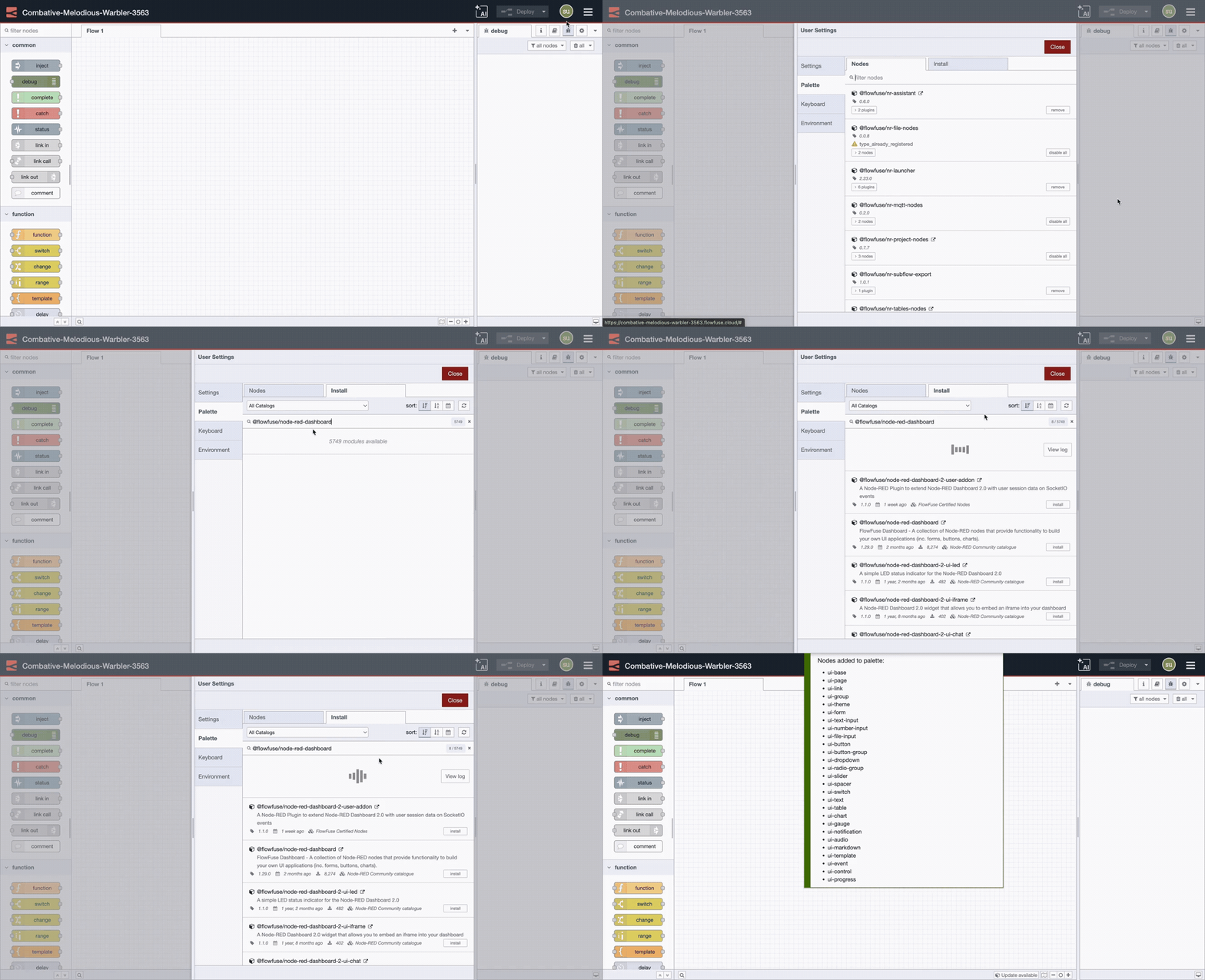
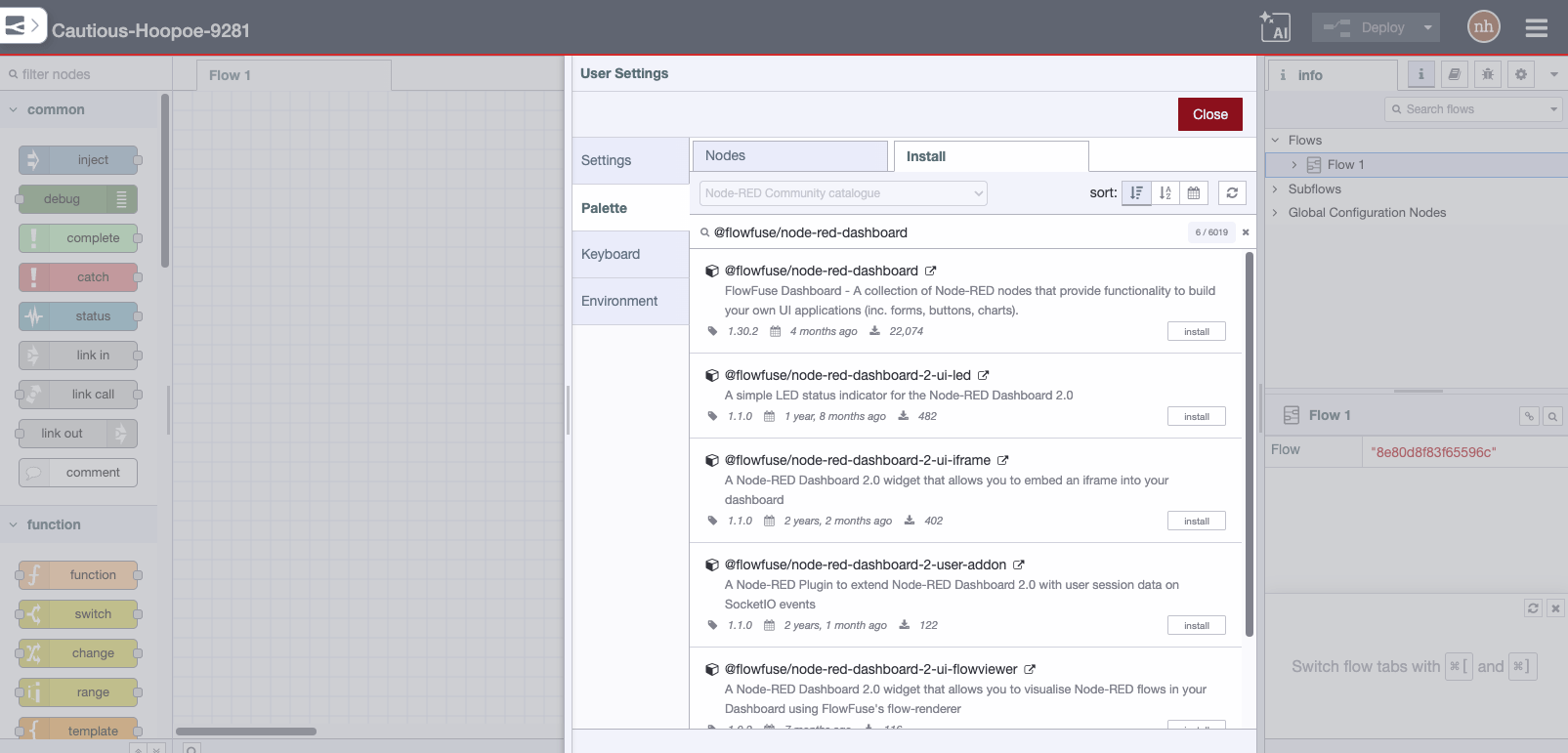
Recommended (one shot): install both palettes — Modbus + decoders — together.
Palette manager → Manage palette → Install:
node-red-contrib-modbus-modpackqtnode-red-contrib-bytes-modpackqt
npm:
cd ~/.node-red
npm install node-red-contrib-modbus-modpackqt node-red-contrib-bytes-modpackqt
# then restart Node-RED
5-minute walkthrough
1. Read a temperature float from a PLC
[inject every 5s] → [modbus master read FC3 addr=100 qty=2] → [decode-float32 BE] → [debug]
| Step | Setting |
|---|---|
| Add a runtime config | TCP, timeout 3000 ms |
| Master read | Host 192.168.1.10, port 502, unit 1, FC 3, address 100, qty 2 |
decode-float32 |
Endian BE (try LE_SWAP if value looks wrong — many PLCs use CDAB) |
msg.payload along the wire:
- After Modbus read:
[16828, 0](raw registers) - After decode-float32:
23.5(clean float — done)
2. Send a setpoint back
[inject 23.5] → [encode-float32 BE] → [modbus master write FC16 addr=200]
The encoder converts 23.5 → [16828, 0], the write node sends it to the PLC.
3. Watch what's happening (debug visibility)
Drop a modbus traffic node anywhere on the canvas, point it at the same runtime config, wire to a Debug node. You'll see one message per Modbus op:
{
  "ts": "2026-05-09T14:23:01.234Z",
  "direction": "read",
  "kind": "master",
  "target": "192.168.1.10:502",
  "unitId": 1,
  "fc": 3,
  "address": 100,
  "quantity": 2,
  "values": [16828, 0],
  "durationMs": 12,
  "ok": true
}
Filter by direction, function code, or target if you only want a slice.
4. Be a Modbus slave (let SCADA read your values)
In the runtime config check Enable embedded Modbus TCP slave server, set port 1502. Then:
[any source] → [encode-int32 BE] → [modbus slave write holding addr=0]
External masters connecting to your-host:1502, unit 1, FC 3, address 0, qty 2 will read the latest value back.
Cookbook (combined with the bytes palette)
Decode a status bitmask
[master read FC3 addr=50 qty=1] → [decode-bitmask bits=8] → [debug]
// payload = [true, true, false, true, false, false, false, false]
Read a device serial number string
[master read FC3 addr=10 qty=8] → [decode-string BE encoding=utf8 trim=true] → [debug]
// payload = "SN-2025-A0042"
Bridge MQTT → Modbus
[mqtt in topic=setpoint] → [encode-float32 BE] → [master write FC16 addr=200]
Bridge Modbus → MQTT
[poll every 5s] → [master read FC3 addr=100 qty=2] → [decode-float32 BE] → [mqtt out topic=temp]
Mirror a remote PLC into local slave server
[poll 1s] → [master read FC3 addr=0 qty=10] → [slave write holding addr=0]
// any local SCADA can now read from your Node-RED slave instead of hammering the PLC
Alert on Modbus errors
[modbus traffic filter=any] → [switch ok==false] → [email out]
Available nodes
| Node | Purpose |
|---|---|
modpackqt-config |
Shared runtime — master mode (TCP/RTU), serial settings, optional slave server |
modpackqt-master-read |
Read FC1/FC2/FC3/FC4 from a remote Modbus device |
modpackqt-master-write |
Write FC5/FC6/FC15/FC16 to a remote Modbus device |
modpackqt-slave-read |
Read from the embedded slave's register store (verify what masters see) |
modpackqt-slave-write |
Push values into the embedded slave's register store |
modpackqt-traffic |
Passive monitor — emits one message per Modbus op with full visibility into what's happening on the wire |
modpackqt-master-probe |
Live commissioning probe for a single Modbus TCP device. One node per device. Click Open in ModPackQT Console to launch the web tester live-attached. |
modpackqt-slave-probe |
Live simulator probe for a single fake slave. One node per port. Web console gives you a real-time register editor. |
Live commissioning with probe nodes
The two probe nodes (modpackqt-master-probe, modpackqt-slave-probe) are tools for the kind of work you do once per device — figuring out a register map, decoding bytes correctly, simulating a device for SCADA development. They have no flow inputs or outputs; instead, each probe registers itself with a small local HTTP runtime, and the modpackqt.com web console attaches live.
Pattern: one probe per device
┌─────────────────────────┐  ┌─────────────────────────┐  ┌─────────────────────────┐
│  master-probe           │  │  master-probe           │  │  slave-probe            │
│  Inverter A             │  │  Energy Meter           │  │  Fake Inverter          │
│  192.168.1.10:502 #1    │  │  192.168.1.20:502 #5    │  │  Listening :1502 #1     │
│  [ Open in Console ]    │  │  [ Open in Console ]    │  │  [ Open in Console ]    │
└─────────────────────────┘  └─────────────────────────┘  └─────────────────────────┘
Click Open in Console on any probe → the web console opens with all probes from this Node-RED instance in the sidebar, the clicked one pre-selected. Switch between devices with one click.
Hidden runtime
The first probe deployed starts a small HTTP server on 127.0.0.1:8502:
| Endpoint | Purpose |
|---|---|
GET /api/health |
Runtime health + probe count |
GET /api/probes |
List all registered probes |
GET /api/probes/:id |
Probe details |
POST /api/probes/:id/read |
Master probe: read registers { fc, address, quantity } |
POST /api/probes/:id/write |
Master probe: write registers { fc, address, values } |
GET /api/probes/:id/store?type=&address=&quantity= |
Slave probe: inspect register values |
PUT /api/probes/:id/store |
Slave probe: set register values |
The server auto-stops when the last probe is removed.
Network access
Default bind is loopback-only (127.0.0.1) — only browsers on the same machine can reach it. To allow remote browsers on your LAN:
MODPACKQT_PROBE_HOST=0.0.0.0 MODPACKQT_PROBE_PORT=8502 node-red
Port 8502 falls back to 8503–8506 automatically if it's already in use.
Why this palette?
These nodes are built for commissioning, testing, and analysis — the kind of work where you need to quickly probe a device, verify register layouts, decode bytes correctly, simulate a slave for SCADA development, or watch traffic to debug a flaky link. Pair them with the ModPackQT web console for AI-assisted register decoding, profile management, and a full visual tester.
Importing the example flow
This package ships with a complete demo flow under examples/basic-flow.json showing every node combined with the bytes palette (master read → decode-float32, encode-float32 → master write, status bitmask, traffic monitor, slave loop).
Node-RED → Menu → Import → Examples → node-red-contrib-modbus-modpackqt → basic-flow.
Make sure node-red-contrib-bytes-modpackqt is also installed before importing — the example uses both.
Troubleshooting
| Issue | Solution |
|---|---|
| Decoded float looks like garbage | Try a different word order (BE ↔ LE_SWAP) — common conventions are ABCD and CDAB |
Serial port not configured for RTU mode |
Open runtime config → set Serial Port (e.g. /dev/ttyUSB0 or COM3) |
EADDRINUSE on slave port |
Another process already uses that port. Pick a different one (e.g. 1502). |
connect ECONNREFUSED |
Target Modbus device is unreachable. Check IP / port / firewall. |
Embedded slave is disabled |
Open runtime config → check Enable embedded slave server |
| Nodes don't appear after install | Fully restart Node-RED. |
Reporting bugs & getting updates
- Bugs / feature requests: use our contact page.
- Security issues: report privately via the security page.
- Updates are never automatic. Node-RED's palette manager will show
"update available" when we publish a new version — you choose when to
upgrade. Pin a major version (
^3.0.0) for stability. - Changelog: the
CHANGELOG.mdfile is shipped inside this package. We follow semver — patch releases for bug fixes only.
Links
License & disclaimer
MIT — © ModPackQT. Provided "as is" without warranty of any kind. You are responsible for validating this software in your environment before any use with real equipment.