@node-red-contrib-themes/theme-collection

A collection of themes for Node-RED

Version: 5.0.1Weekly Downloads: 7,773Author:Mauricio Bonani @mbonaniUpdated: Jun 9, 2026

Node-RED Contrib Theme Collection

A collection of themes for Node-RED.

Installation

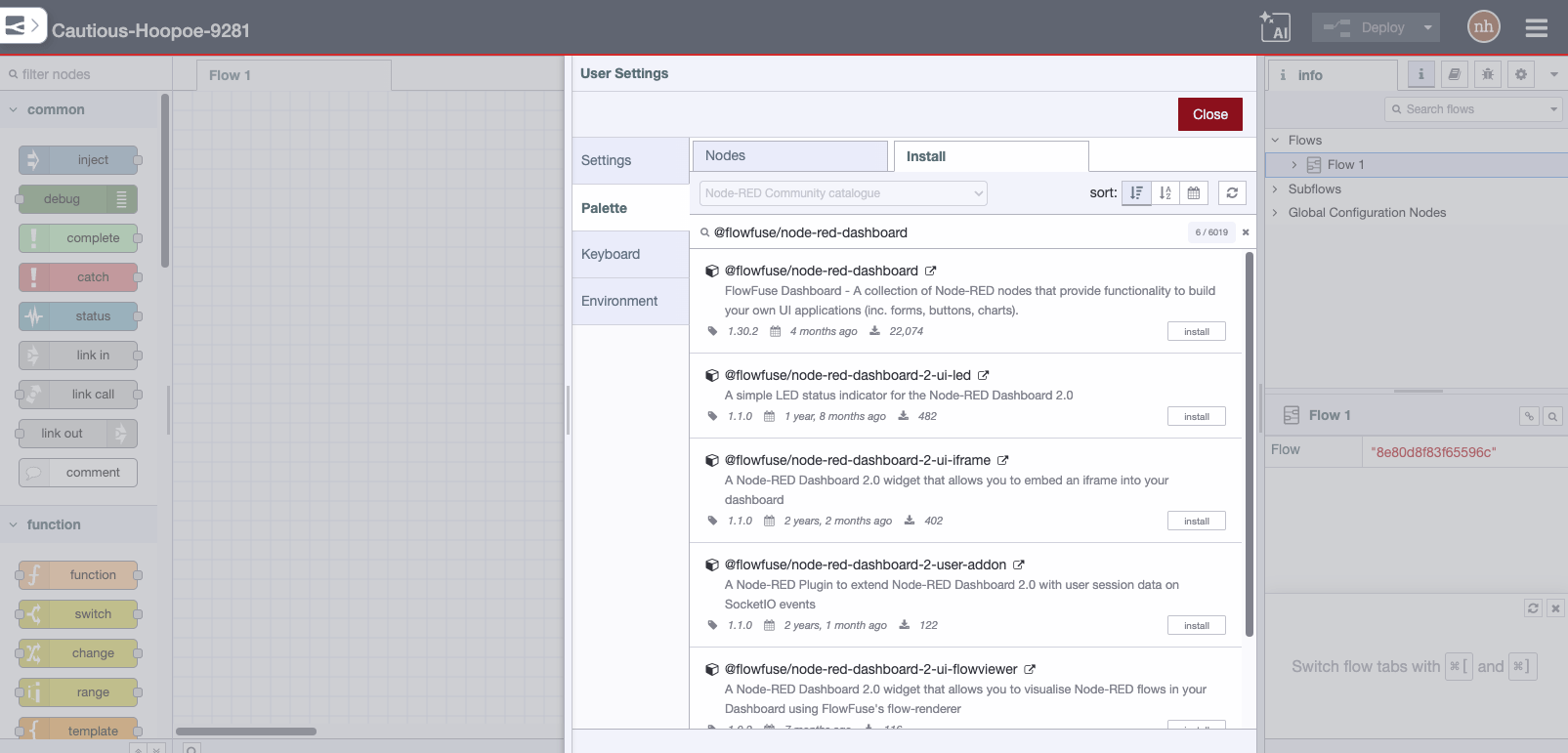
Install via the Palette Manager

Search for @node-red-contrib-themes/theme-collection

Install with npm

Run the following command from within the Node-RED user data directory (by default, $HOME/.node-red).

npm install @node-red-contrib-themes/theme-collection

Theme list

Name Inspiration
aurora Aurora Theme for Sublime Text
cobalt2 Cobalt2 Theme for VS Code
dark-modern Default Dark Modern VS Code theme
dracula Dracula theme
espresso-libre Espresso Libre theme for Monaco Editor
github-dark GitHub Dark (legacy) VS Code theme
github-dark-default GitHub Dark Default VS Code theme
github-dark-dimmed GitHub Dark Dimmed VS Code theme
midnight-red Midnight theme for Home Assistant
monoindustrial Monoindustrial theme for Monaco Editor
monokai Monokai theme for VS Code
monokai-dimmed Monokai Dimmed theme for VS Code
night-owl Night Owl theme for VS Code
noctis Noctis theme collection for VS Code
noctis-azureus Noctis theme collection for VS Code
noctis-bordo Noctis theme collection for VS Code
noctis-minimus Noctis theme collection for VS Code
noctis-obscuro Noctis theme collection for VS Code
noctis-sereno Noctis theme collection for VS Code
noctis-uva Noctis theme collection for VS Code
noctis-viola Noctis theme collection for VS Code
oceanic-next Oceanic Next Color Scheme
oled Tomorrow Night Bright for VS Code
one-dark-pro One Dark Pro theme
one-dark-pro-darker One Dark Pro Darker theme
railscasts-extended Railscasts Extended theme for Sublime Text
selenized-dark Selenized for VS Code
selenized-light Selenized for VS Code
solarized-dark Solarized color palette
solarized-light Solarized color palette
tokyo-night Tokyo Night theme
tokyo-night-light Tokyo Night Light theme
tokyo-night-storm Tokyo Night Storm theme
totallyinformation Julian Knight's (@TotallyInformation) creation
zenburn Zenburn color scheme for Vim
zendesk-garden Garden design system by Zendesk

If you have an idea for a new theme, you can request it, or better yet, create one yourself.

Usage

Set theme: "<theme-name>" in the editorTheme object in your settings.js and then restart Node-RED.

For example, this sets Node-RED to use the midnight-red theme.

editorTheme: {
    theme: "midnight-red"
},

For details on the Node-RED's configuration file and its structure, please refer to the Node-RED official documentation.

Monaco Editor Theme

Each theme in this collection comes with a pre-configured theme for the Monaco editor.

Just leave theme in the codeEditor object commented out.

For example, this sets Node-RED to use the dracula theme and its pre-configured theme for the Monaco editor.

editorTheme: {
    theme: "dracula",
    codeEditor: {
        lib: "monaco",
        options: {
            // theme: "",
        },
    },
},

Mermaid Theme

Each theme in this collection comes with a pre-configured theme for the Mermaid diagramming and charting tool.

Just leave theme in the mermaid object commented out.

For example, this sets Node-RED to use the dark-modern theme and its pre-configured theme for the Mermaid diagramming and charting tool.

editorTheme: {
    theme: "dark-modern",
    mermaid: {
        // theme: "",
    },
},

Development

Please refer to the DEVELOPMENT.md file for details on how to set up a local development environment.

License

This project is licensed under the MIT license.
Installation

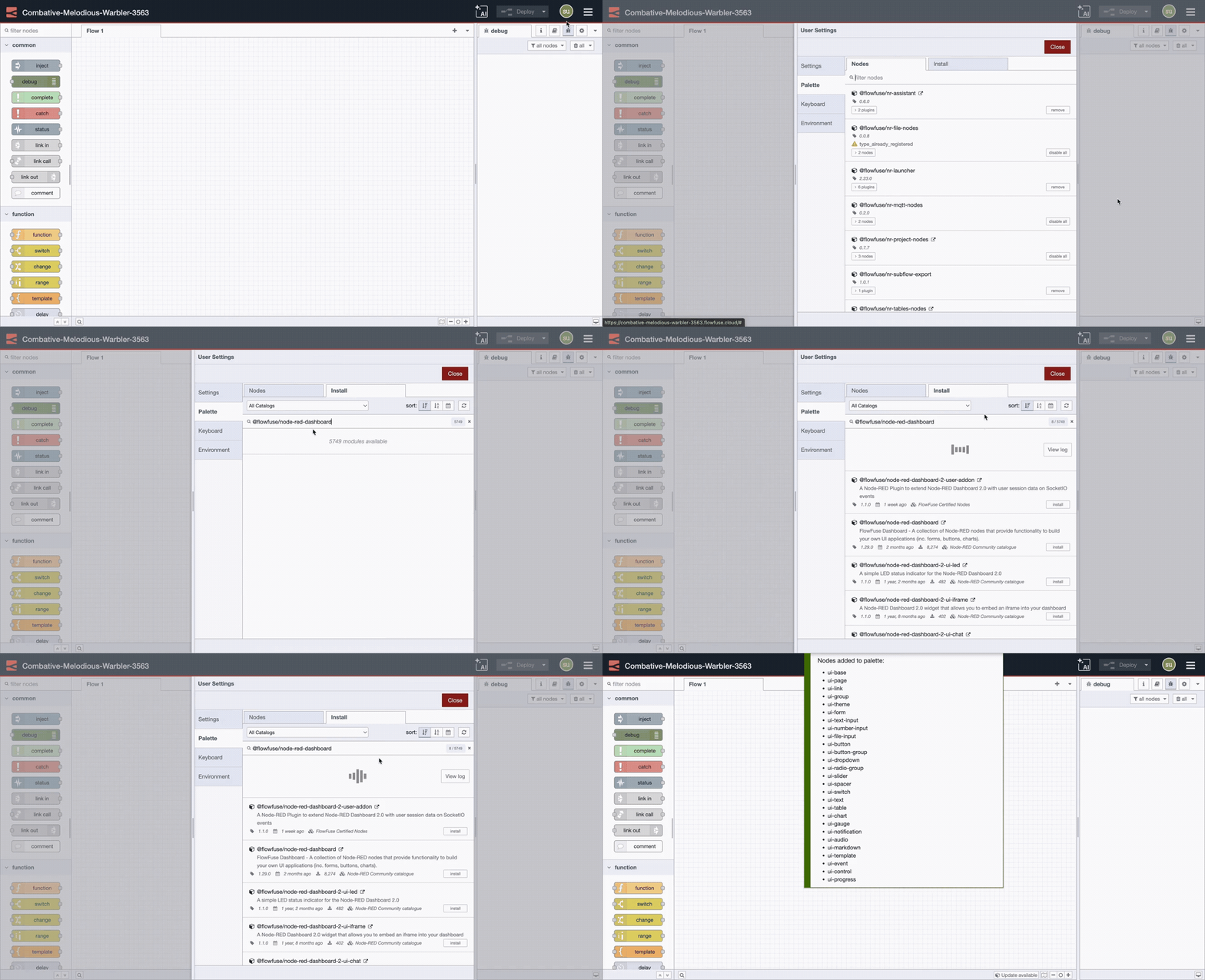
Install in Node-RED via the palette manager.

Animation of the Node-RED palette manager: open Manage Palette, search for the node, then click Install.Node-RED Palette Manager dialog with the node selected and the Install button visible.

Quick Stats

Current Version5.0.1
Weekly Downloads7,773
First PublishedMar 24, 2021
Last UpdatedJun 9, 2026

Need Help?

Get professional support for your Node-RED projects with FlowFuse.

CONTACT US