node-red-contrib-s7
A Node-RED node to interact with Siemens S7 PLCs
FlowFuse Recommended Node
FlowFuse recommends this node as a well-maintained, dependable choice for production Node-RED projects.
node-red-contrib-s7
A Node-RED node to interact with Siemens S7 PLCs.
This node was created as part of the ST-One project.
Install
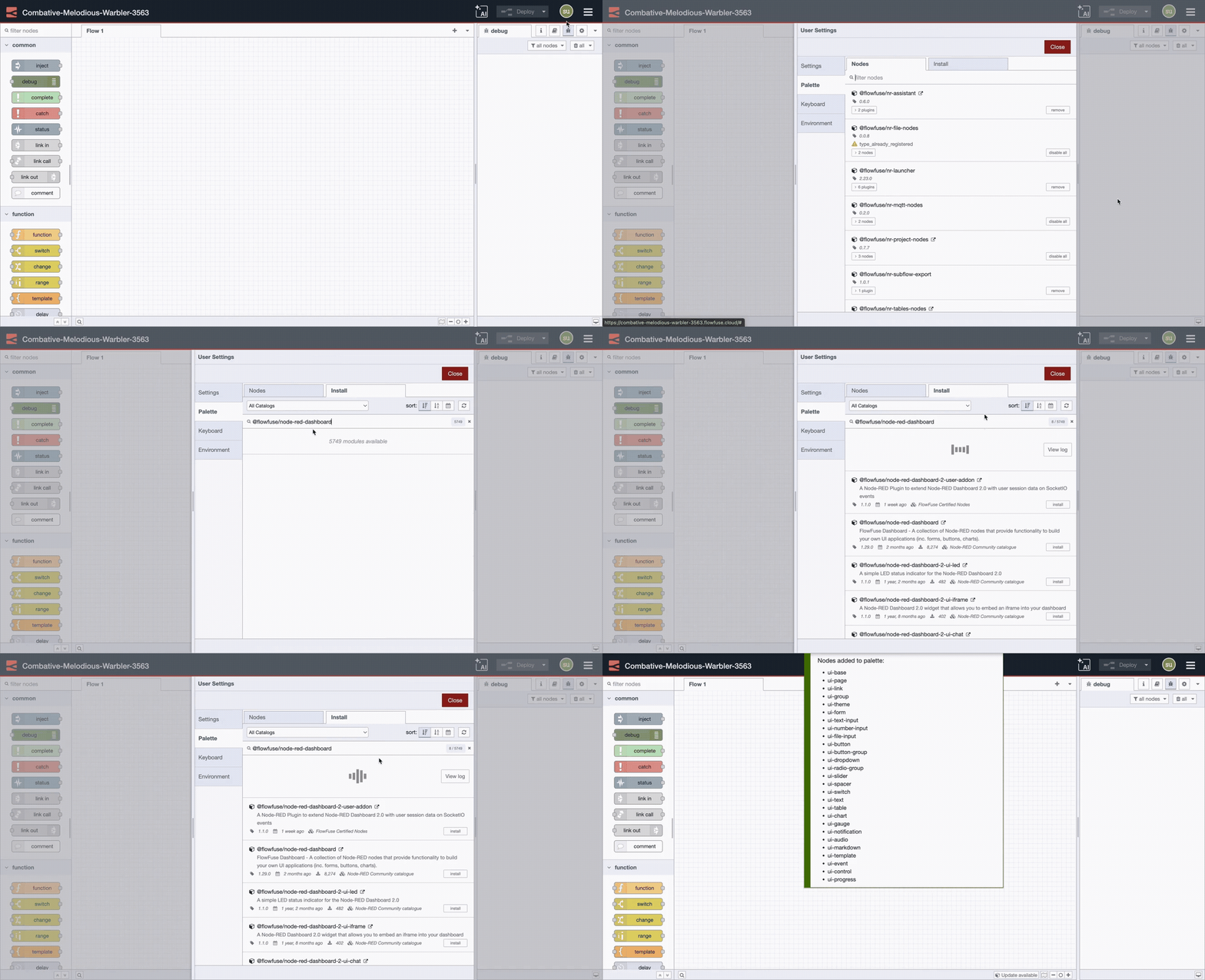
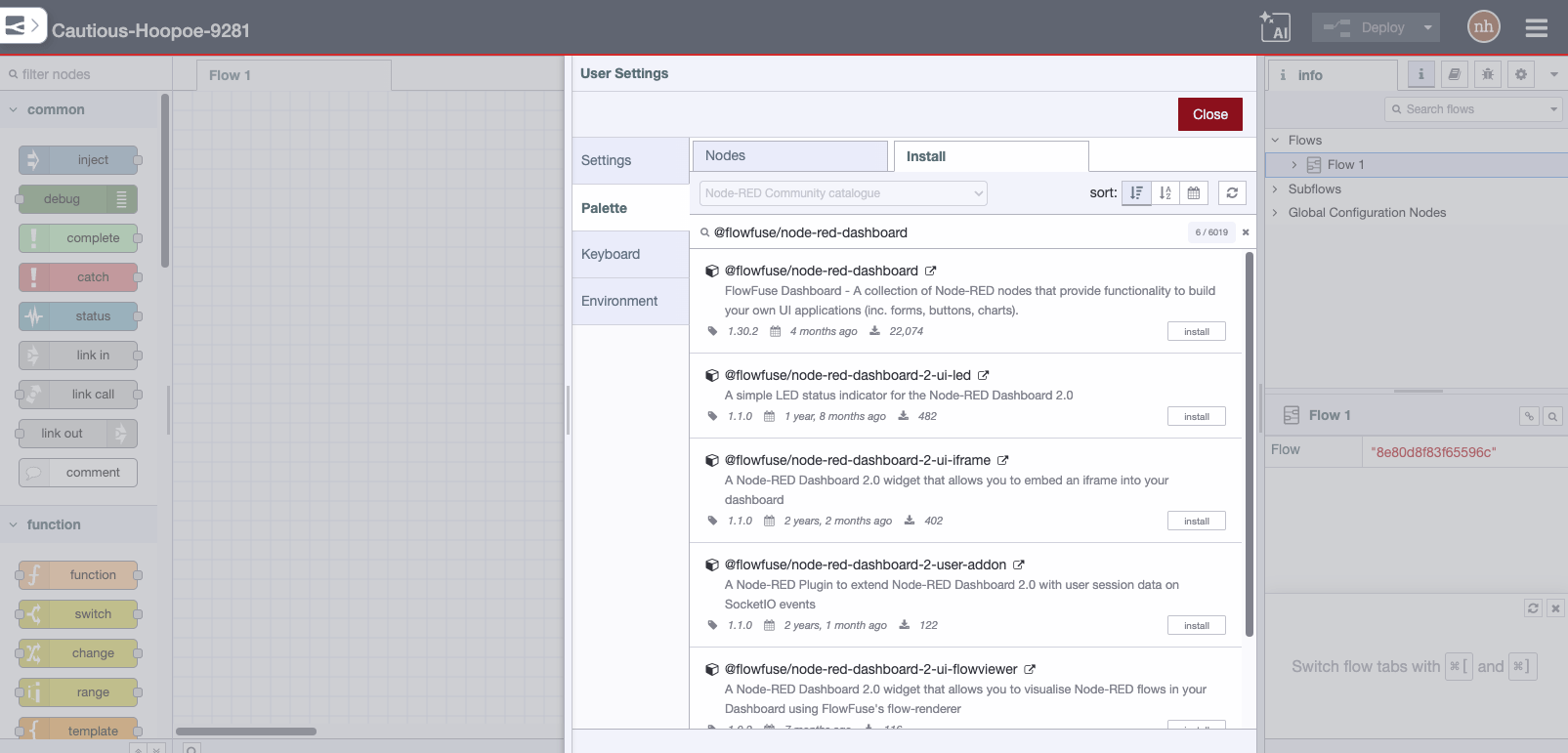
You can install this node directly from the "Manage Palette" menu in the Node-RED interface.
Alternatively, run the following command in your Node-RED user directory - typically ~/.node-red on Linux or %HOMEPATH%\.nodered on Windows
npm install node-red-contrib-s7
NodeJS version 10 or greater and Node-RED version 1.0 or greater is required.
Usage
Each connection to a PLC is represented by the S7 Endpoint configuration node. You can configure the PLC's Address, the variables available and their addresses, and the cycle time for reading the variables.
The S7 In node makes the variable's values available in a flow in three different modes:
- Single variable: A single variable can be selected from the configured variables, and a message is sent every cycle, or only when it changes if diff is checked.
msg.payloadcontains the variable's value andmsg.topichas the variable's name. - All variables, one per message: Like the Single variable mode, but for all variables configured. If diff is checked, a message is sent everytime any variable changes. If diff is unchecked, one message is sent for every variable, in every cycle. Care must be taken about the number of messages per second in this mode.
- All variables: In this mode,
msg.payloadcontains an object with all configured variables and their values. If diff is checked, a message is sent if at least one of the variables changes its value.
Variable addressing
The variables and their addresses configured on the S7 Endpoint follow a slightly different scheme than used on Step 7 or TIA Portal. Here are some examples that may guide you on addressing your variables:
| Address | Step7 equivalent | JS Data type | Description |
|---|---|---|---|
DB5,X0.1 |
DB5.DBX0.1 |
Boolean | Bit 1 of byte 0 of DB 5 |
DB23,B1 or DB23,BYTE1 |
DB23.DBB1 |
Number | Byte 1 (0-255) of DB 23 |
DB100,C2 or DB100,CHAR2 |
DB100.DBB2 |
String | Byte 2 of DB 100 as a Char |
DB42,I3 or DB42,INT3 |
DB42.DBW3 |
Number | Signed 16-bit number at byte 3 of DB 42 |
DB57,WORD4 |
DB57.DBW4 |
Number | Unsigned 16-bit number at byte 4 of DB 57 |
DB13,DI5 or DB13,DINT5 |
DB13.DBD5 |
Number | Signed 32-bit number at byte 5 of DB 13 |
DB19,DW6 or DB19,DWORD6 |
DB19.DBD6 |
Number | Unsigned 32-bit number at byte 6 of DB 19 |
DB21,R7 or DB21,REAL7 |
DB21.DBD7 |
Number | Floating point 32-bit number at byte 7 of DB 21 |
DB2,S7.10* |
- | String | String of length 10 starting at byte 7 of DB 2 |
I1.0 or E1.0 |
I1.0 or E1.0 |
Boolean | Bit 0 of byte 1 of input area |
Q2.1 or A2.1 |
Q2.1 or A2.1 |
Boolean | Bit 1 of byte 2 of output area |
M3.2 |
M3.2 |
Boolean | Bit 2 of byte 3 of memory area |
IB4 or EB4 |
IB4 or EB4 |
Number | Byte 4 (0 -255) of input area |
QB5 or AB5 |
QB5 or AB5 |
Number | Byte 5 (0 -255) of output area |
MB6 |
MB6 |
Number | Byte 6 (0 -255) of memory area |
IC7 or EC7 |
IB7 or EB7 |
String | Byte 7 of input area as a Char |
QC8 or AC8 |
QB8 or AB8 |
String | Byte 8 of output area as a Char |
MC9 |
MB9 |
String | Byte 9 of memory area as a Char |
II10 or EI10 |
IW10 or EW10 |
Number | Signed 16-bit number at byte 10 of input area |
QI12 or AI12 |
QW12 or AW12 |
Number | Signed 16-bit number at byte 12 of output area |
MI14 |
MW14 |
Number | Signed 16-bit number at byte 14 of memory area |
IW16 or EW16 |
IW16 or EW16 |
Number | Unsigned 16-bit number at byte 16 of input area |
QW18 or AW18 |
QW18 or AW18 |
Number | Unsigned 16-bit number at byte 18 of output area |
MW20 |
MW20 |
Number | Unsigned 16-bit number at byte 20 of memory area |
IDI22 or EDI22 |
ID22 or ED22 |
Number | Signed 32-bit number at byte 22 of input area |
QDI24 or ADI24 |
QD24 or AD24 |
Number | Signed 32-bit number at byte 24 of output area |
MDI26 |
MD26 |
Number | Signed 32-bit number at byte 26 of memory area |
ID28 or ED28 |
ID28 or ED28 |
Number | Unsigned 32-bit number at byte 28 of input area |
QD30 or AD30 |
QD30 or AD30 |
Number | Unsigned 32-bit number at byte 30 of output area |
MD32 |
MD32 |
Number | Unsigned 32-bit number at byte 32 of memory area |
IR34 or ER34 |
IR34 or ER34 |
Number | Floating point 32-bit number at byte 34 of input area |
QR36 or AR36 |
QR36 or AR36 |
Number | Floating point 32-bit number at byte 36 of output area |
MR38 |
MR38 |
Number | Floating point 32-bit number at byte 38 of memory area |
DB1,DT0 |
- | Date** | A timestamp in the DATE_AND_TIME format |
DB1,DTZ10 |
- | Date** | A timestamp in the DATE_AND_TIME format, in UTC |
DB2,DTL2 |
- | Date** | A timestamp in the DTL format |
DB2,DTLZ12 |
- | Date** | A timestamp in the DTL format, in UTC |
DB57,RWORD4 |
DB57.DBW4 |
Number | Unsigned 16-bit number at byte 4 of DB 57, interpreted as Little-Endian |
DB13,RDI5 or DB13,RDINT5 |
DB13.DBD5 |
Number | Signed 32-bit number at byte 5 of DB 13, interpreted as Little-Endian |
MRW20 |
MW20 |
Number | Unsigned 16-bit number at byte 20 of memory area, interpreted as Little-Endian |
- *) Note that strings on the PLC uses 2 extra bytes at start for size/length of the string
- **) Note that javascript's
Dateare always represented in UTC. Please use other nodes like node-red-contrib-moment to properly handle type conversions
Notes on S7-1200/1500
These newer PLCs offer an "extended" version of the S7 Protocol, while we have only a "basic" version of it.
Therefore, some additional configuration steps on the PLC are necessary:
- "Optimized block access" must be disabled for the DBs we want to access (image)
- In the "Protection" section of the CPU Properties, enable the "Permit access with PUT/GET" checkbox (image)
Notes on Logo! 8
On the newest Logo! 8.FS4 (and possibly 0BA8) Logic modules there is no need to set the Mode to TSAP any more, instead the default Rack/Slot value of 0/2 works just fine.
The following table shows memory areas accessible without additional settings in the controller program:
Note: These memory areas seem to be read-only from outside the controller, as they are directly used by the function blocks listed in "Logo Block" of the table
| Logo Block | Logo VM Range | example Node-RED address | Description |
|---|---|---|---|
I |
1024 - 1031 |
DB1,BYTE1024 or DB1,X1024.5 or DB1,WORD1024 |
Reads input terminals 1...8 or 6 or 1...16 |
AI |
1032 - 1063 |
DB1,WORD1032 |
Reads analog input terminal 1. Always word sized. |
Q |
1064 - 1071 |
DB1,BYTE1064 or DB1,X1064.5 or DB1,WORD1064 |
Reads output terminals 1...8 or 6 or 1...16 |
AQ |
1072 - 1103 |
DB1,WORD1072 |
Reads analog output terminal 1. Always word sized. |
M |
1104 - 1117 |
DB1,BYTE1104 or DB1,X1104.5 or DB1,WORD1104 |
Reads bit flags M1...M8 or M6 or M1...16 |
AM |
1118 - 1245 |
DB1,WORD1118 |
Reads analog flag 1. Always word sized. |
NI |
1246 - 1061 |
DB1,BYTE1246 or DB1,X1246.5 or DB1,WORD1246 |
Reads network input 1...8 or 6 or 1...16 |
NAI |
1262 - 1389 |
DB1,WORD1262 |
Reads analog network input 1. Always word sized. |
NQ |
1390 - 1405 |
DB1,BYTE1390 or DB1,X1390.5 or DB1,WORD1390 |
Reads network output 1...8 or 6 or 1...16 |
NAQ |
1406 - 1469 |
DB1,WORD1406 |
Reads network output 1. Always word sized. |
On the other hand, Logo memory areas VM 0-849 are mutable from outside the controller, but they need to be mapped into the Logo program. Without mapping, data written into these addresses will have no effect on program execution. Used VM addresses in the range mentioned above can be read/written from/into in the Logo program using the "Network" function blocks (in the function block setup use the "Local variable memory (VM)" option to map VMs to the function block).
Some addressing examples:
| Logo VM | Example Node-RED address | Description |
|---|---|---|
0 |
DB1,BYTE0 |
R/W access |
1 |
DB1,X1.3 |
R/W access Note: use booleans |
2..3 |
DB1,WORD2 |
R/W access |
4..7 |
DB1,DWORD4 |
R/W access |
Bugs and enhancements
Please share your ideas and experiences on the Node-RED forum, or open an issue on the page of the project on GitHub
Support
Community support is offered on a best-effort basis via GitHub Issues. For commercial support, please contact us by sending an e-mail to st-one@st-one.io.
License
Copyright: (c) 2016-2022, ST-One Ltda., Guilherme Francescon Cittolin guilherme@st-one.io
GNU General Public License v3.0+ (see LICENSE or https://www.gnu.org/licenses/gpl-3.0.txt)